
Technical Architecture
Non-Visual Prerendering: JSON-LD & Meta
Ensure JSON-LD, Open Graph, canonicals, and aria attributes are in static HTML for crawlers — not only the hydrated DOM.

Article
Non-visual elements — JSON-LD schema blocks, Open Graph meta tags, canonical URLs, aria attributes, and structured metadata — are the machine-readable layer of your page. They tell search engines and AI crawlers what a page is about, who created it, when it was published, and how it relates to other pages. When these elements are generated by JavaScript components, they appear in the hydrated DOM but are absent from the static HTML that crawlers receive.
Prerendering captures the complete rendered state of a page — including every non-visual element generated by JavaScript — and serves that state as static HTML to crawlers. This makes non-visual element coverage a prerendering concern as much as a content or development concern.
Which Non-Visual Elements Are at Risk
The following patterns produce non-visual elements that depend on JavaScript execution and are therefore invisible to crawlers without prerendering:
JSON-LD blocks injected by React components:
// This pattern produces JSON-LD that crawlers miss without prerenderingexport function ProductSchema({ product }) { return ( <script type="application/ld+json" dangerouslySetInnerHTML={{ __html: JSON.stringify({ "@context": "https://schema.org", "@type": "Product", "name": product.name, // From API fetch, not available at server render time "price": product.price }) }} /> )}If product is fetched client-side via useEffect, the JSON-LD is not present in the HTML until after hydration — after AI crawlers have already moved on.
Open Graph tags set by client-side routing:
Some implementations of Next.js Metadata API in client components, or third-party head management libraries, update Open Graph tags when routes change. The initial HTML shell may contain default or blank OG tags. Route-specific OG values appear only after JavaScript sets them.
Canonical URLs managed dynamically:
Canonical URLs that are computed from URL parameters, user preferences, or API responses cannot appear in the initial HTML without server-side rendering or prerendering. A dynamically set canonical that points to the wrong URL (or no URL) sends incorrect consolidation signals to Google.
Aria attributes from accessibility libraries:
Libraries like @radix-ui and react-aria inject aria attributes during component mounting. While these primarily affect users and accessibility tools, some aria attributes carry semantic information — aria-label, aria-describedby, role="article" — that AI crawlers may use in their extraction models.
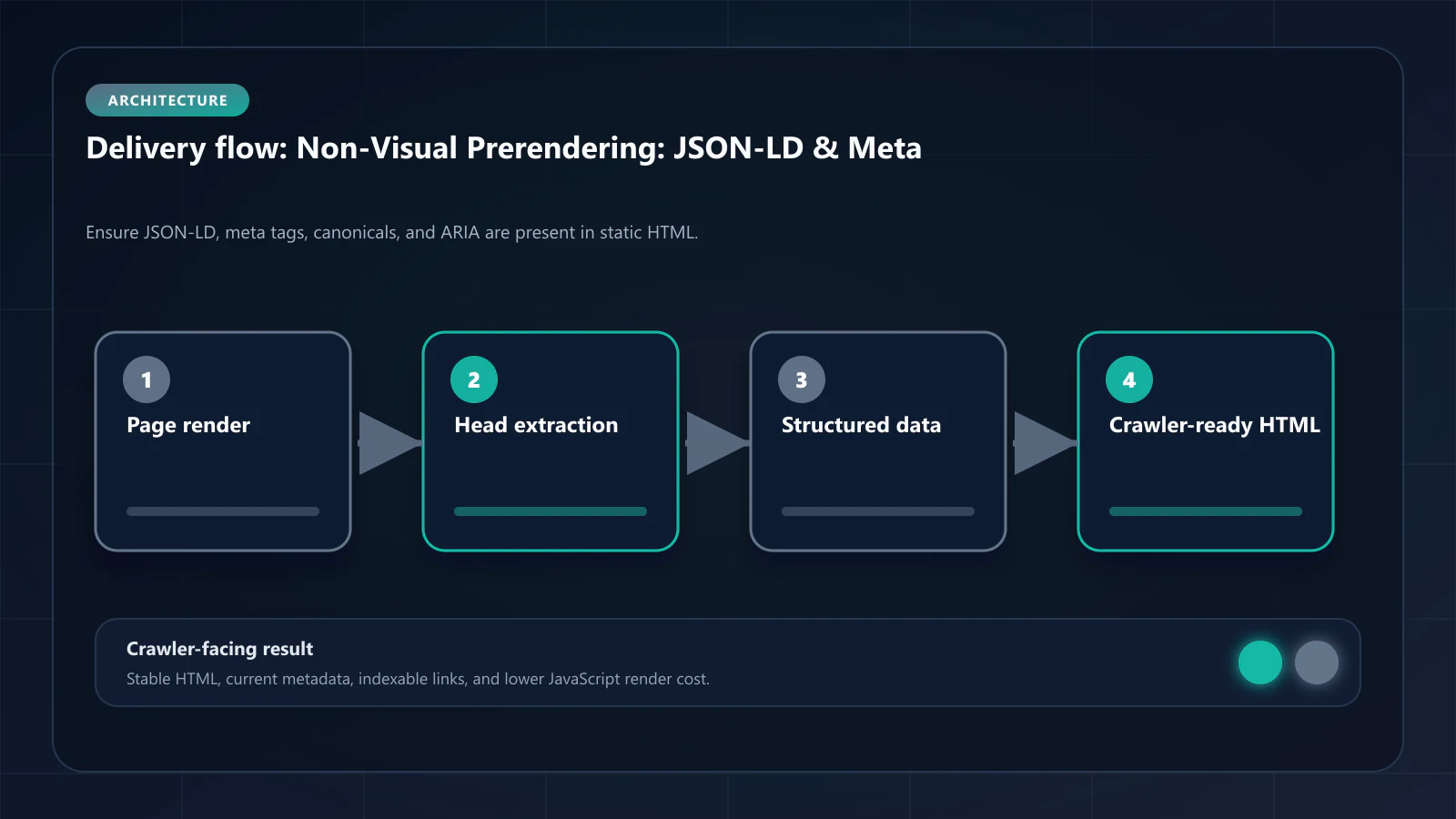
How Prerendering Captures Non-Visual Elements
When headless Chrome prerendering executes the full application, it runs all JavaScript — including the components that generate JSON-LD, the routing handlers that update meta tags, and the accessibility libraries that inject aria attributes. The snapshot captures the DOM in its fully initialized state.
The result: the prerendered snapshot contains every non-visual element that exists in the hydrated DOM, indistinguishable from server-generated elements to any crawler.
For a typical product page, the difference between static HTML and prerendered HTML in non-visual elements looks like this:
Without prerendering (static HTML shell):
<head> <title>Loading...</title> <!-- Updated by JS after mount --> <meta name="description" content=""> <!-- Populated by JS --> <!-- No JSON-LD: generated by client component --> <link rel="canonical" href=""> <!-- Set by client router --></head>With prerendering (complete snapshot):
<head> <title>Blue Running Shoes - Men's Size 10 | Brand Name</title> <meta name="description" content="Lightweight blue running shoes..."> <script type="application/ld+json"> {"@context":"https://schema.org","@type":"Product","name":"Blue Running Shoes"...} </script> <link rel="canonical" href="https://example.com/products/blue-running-shoes-mens"> <meta property="og:title" content="Blue Running Shoes - Men's Size 10"> <meta property="og:description" content="Lightweight blue running shoes..."></head>The second version gives AI crawlers and Googlebot the complete signal set they need for accurate indexation and extraction.
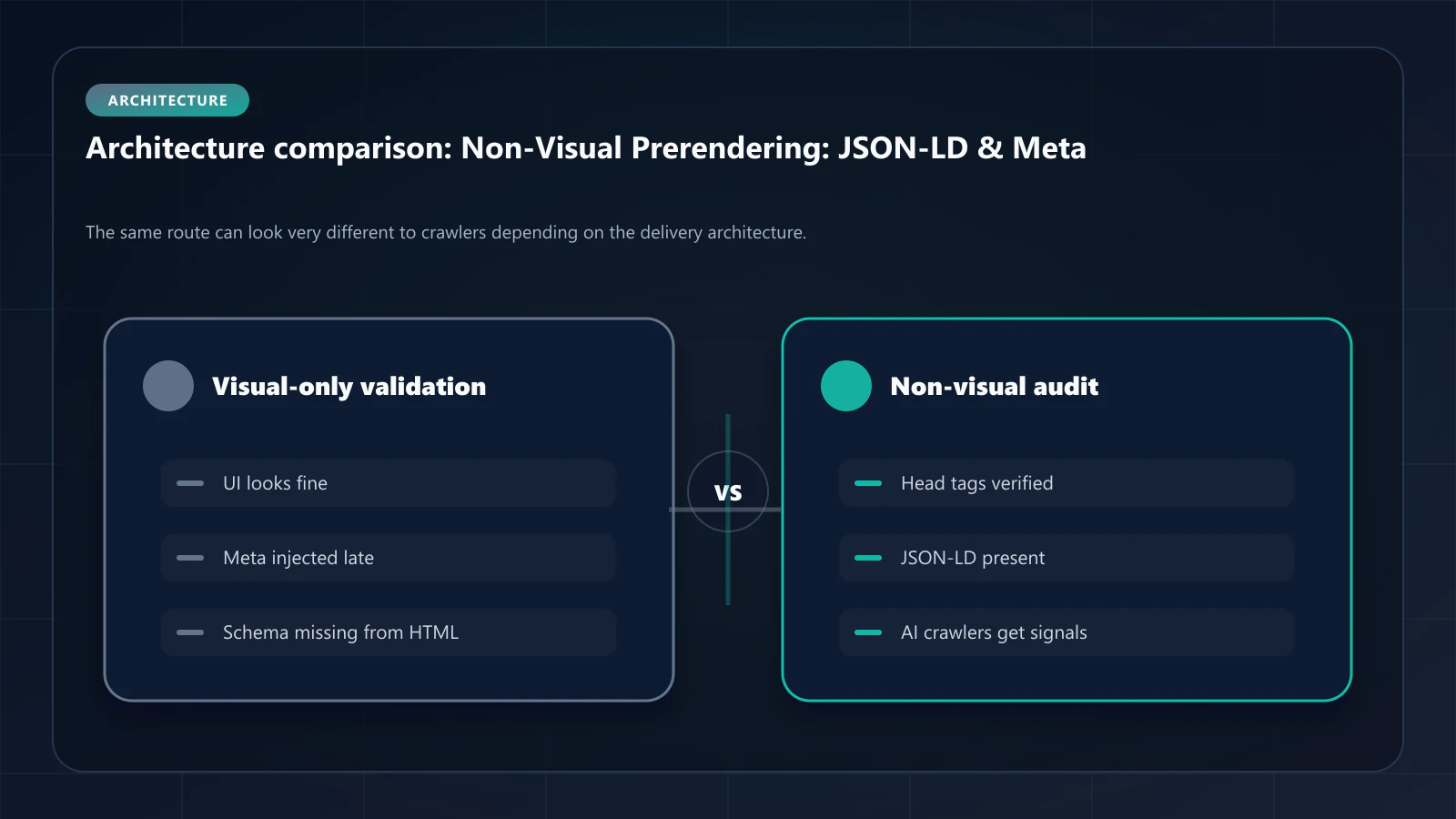
The AI Crawler Readiness Checklist for Non-Visual Elements
After prerendering is deployed, verify non-visual element coverage by comparing View Page Source against the expected complete state:
JSON-LD checklist:
-
ArticleorTechArticlefor editorial content -
Productwith price and availability for product pages -
FAQPagefor pages with FAQ sections -
BreadcrumbListfor all non-homepage pages -
Organization(ideally in site header, not page-specific)
Meta tag checklist:
-
<title>matches the intended page title (not "Loading...") -
<meta name="description">contains the intended description -
<link rel="canonical">points to the correct URL -
<meta property="og:title">andog:descriptionare populated -
<meta property="og:image">points to the correct social sharing image
Canonical URL validation:
- Canonical matches the URL being prerendered (not a default or blank value)
- For paginated content, canonical correctly points to the canonical paginated variant
- For localized content, canonical is the correct locale URL, not a language default
Use the Prerender Checker to run this validation systematically across URL batches.
Fixing Non-Visual Elements Without Prerendering
For teams that cannot immediately deploy prerendering, some non-visual element issues can be resolved through architectural changes:
Move JSON-LD to server components (Next.js App Router):
// Server component — renders JSON-LD in static HTMLexport default async function ProductPage({ params }) { const product = await fetchProduct(params.id) // Server-side return ( <> <script type="application/ld+json" dangerouslySetInnerHTML={{ __html: JSON.stringify({ "@context": "https://schema.org", "@type": "Product", "name": product.name }) }} /> <ProductContent product={product} /> </> )}When JSON-LD is generated in a server component with server-side data fetching, it appears in the static HTML without requiring prerendering. This is the architectural fix; prerendering is the infrastructure fix for codebases where this refactoring is not immediately feasible.
Use Next.js Metadata API in server components:
// Generates correct meta tags in static HTMLexport async function generateMetadata({ params }) { const product = await fetchProduct(params.id) return { title: product.name, description: product.description, openGraph: { title: product.name, description: product.description } }}Set canonical URLs server-side:
Canonical URLs should always be deterministic from server-available information — the URL path and any structural parameters. Never compute canonical URLs from client-side state, user session data, or API responses that are not available at server render time.
Frequently Asked Questions
Google processes JSON-LD found in the initial HTML and in JavaScript-rendered pages (via second-wave rendering). However, second-wave rendering is delayed by hours to days and subject to resource constraints. JSON-LD present in static HTML is processed faster and more reliably. For AI crawlers that skip JavaScript execution, static HTML presence is essential.
Google does not directly use aria attributes as ranking signals. However, `aria-label` attributes on links contribute to anchor text diversity, and `role` attributes help Google understand page structure. The primary reason to ensure aria attributes are present in prerendered HTML is accessibility compliance and AI crawler completeness.
Yes. A canonical URL in a prerendered snapshot that points to the wrong URL, an empty string, or a URL that returns 404 sends incorrect consolidation signals to Google. The canonical in the snapshot must be correct. This is why canonical URL validation is a required step in prerendering rollout verification.
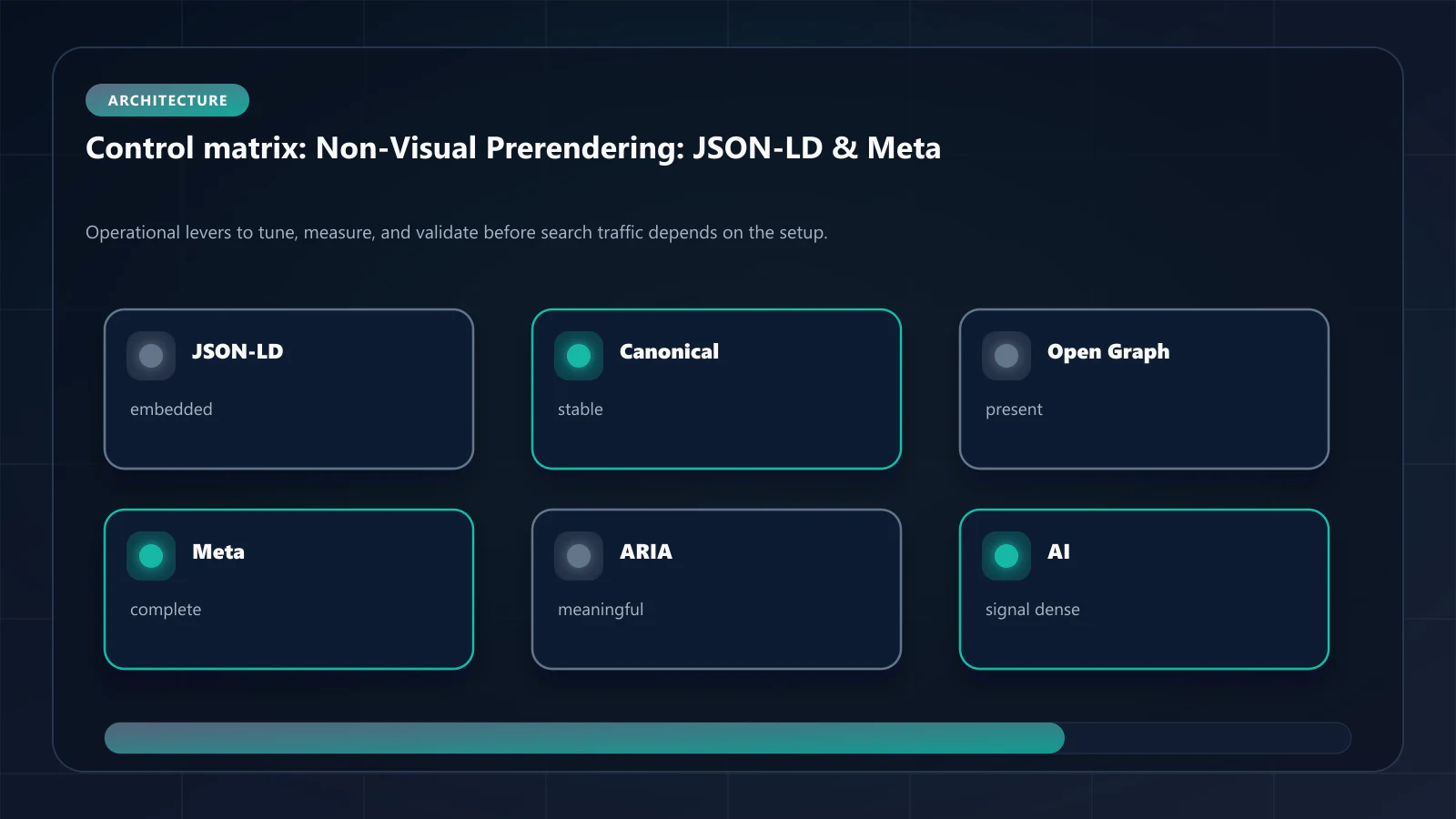
Missing OG tags mean social sharing platforms — Twitter, LinkedIn, Slack — generate poor previews from your URLs. More relevantly for SEO, missing `og:image` and `og:description` reduce the richness of the signal set Google uses to understand the page's social relevance and authority. !Raster matrix diagram of operational levers, risks, and validation checks for Non-Visual Elements Pre-rendering: JSON-LD, Meta Tags, and AI Crawler Readiness.
Explore the canonical guides
Editorial trust
Written by prerender Editorial · Engineering Team. We build and run pre-rendering infrastructure for more than 200 engineering teams, which is where the numbers and code samples on this page come from.
Last updated . Editorial scope and review policy: About prerender.info.