
Technical Architecture
DOM Consistency Check for Prerendered Pages
Measure DOM consistency — the gap between crawler HTML and hydrated DOM — and avoid navDemotion when snapshots drift.

Article
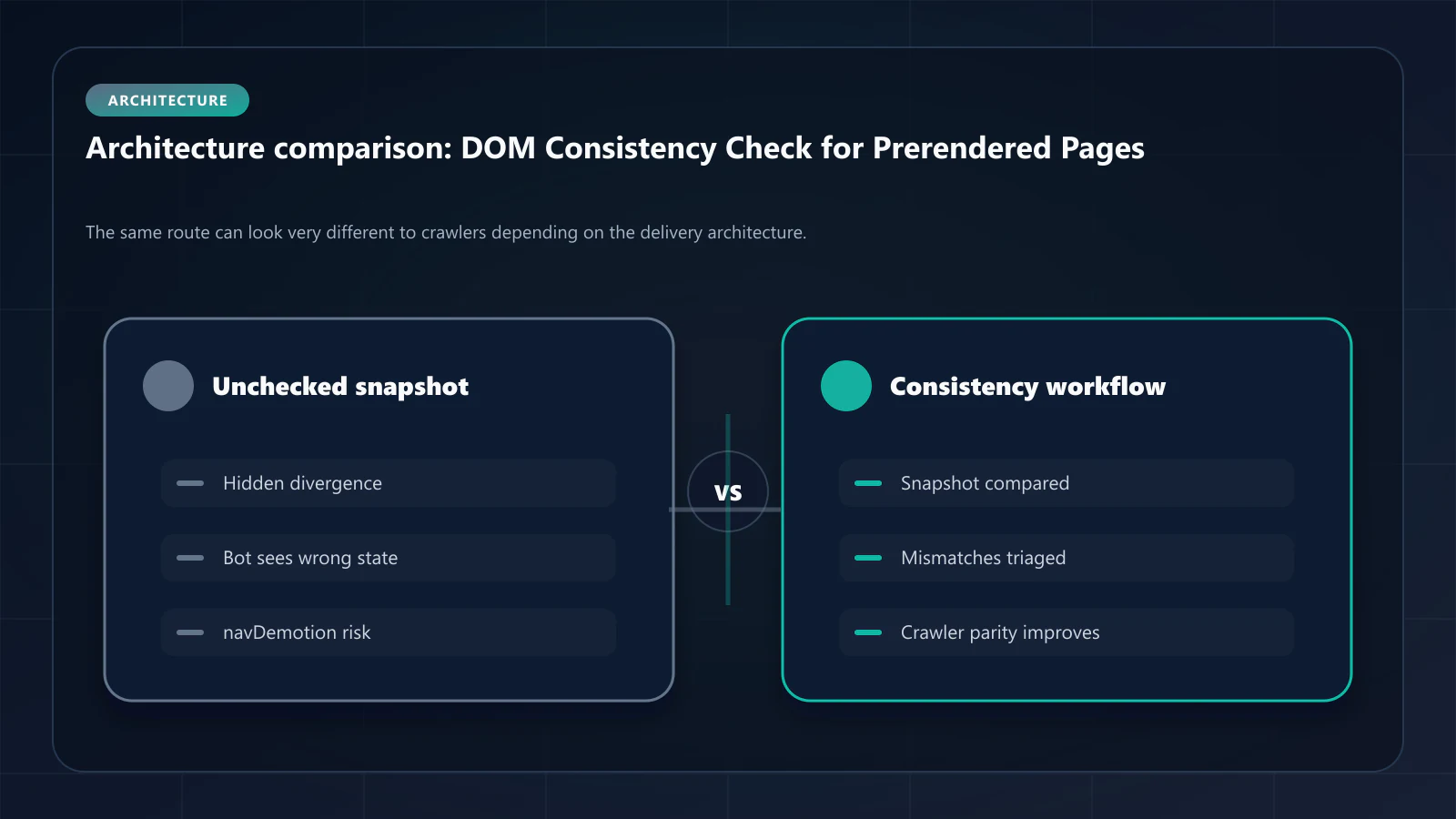
The most dangerous rendering problem for search visibility is the one you cannot see in a browser. A page that looks correct after JavaScript executes may still deliver inconsistent HTML to Googlebot — a mismatch between what crawlers index and what users see. This gap, measured as a DOM consistency score, directly influences whether Google rewards or penalizes your pages through its internal navDemotion signal.
This article explains what DOM consistency is, how to measure it, what causes it to fail, and how prerendering achieves the only architecture that guarantees 100% consistency on the crawler path.
What DOM Consistency Means and Why It Matters
DOM consistency is the percentage match between the static HTML Googlebot fetches from your server and the fully hydrated DOM a user sees after all JavaScript has executed. A score of 100% means the two are identical. A score of 80% means one in five elements visible to users is either absent from, or different in, what Googlebot indexed.
A field named navDemotion appeared in the May 2024 Google Content Warehouse API documentation leak, and it is frequently cited as the mechanism behind this failure mode. Be precise about what that supports: the leak exposed a field name, not its trigger conditions, its weighting, or whether it remains in use, and Google has never documented it. Reading it as a DOM-parity signal is an inference — a reasonable one, and not a confirmed one.
What does not depend on that inference: when the crawler-visible DOM consistently drifts from the user-visible DOM — text content, heading structure, internal link targets — the version Google indexes stops representing the page users get. Whatever the internal accounting, the indexed document is the one that competes in search, and it is thinner or different than the one you shipped. That is the problem worth fixing, and it is measurable directly.
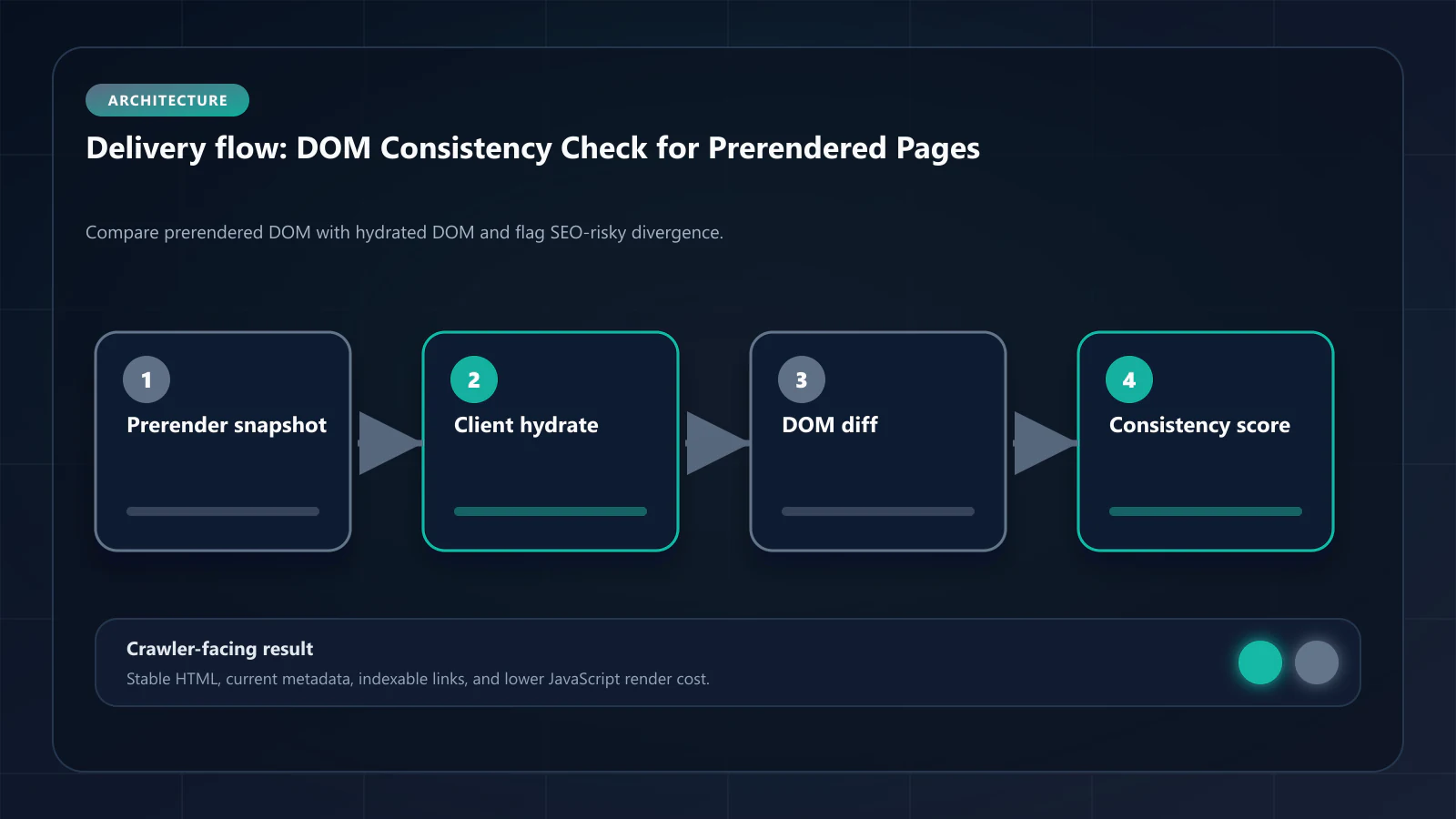
The insidious part is that the problem is invisible during normal QA. Teams review pages in the browser, see complete content, and mark the release as clean. Googlebot sees something different on every visit, and the divergence accumulates across crawl history before it surfaces as a ranking decline.
How to Measure DOM Consistency
Measuring DOM consistency requires comparing two representations of the same page:
1. The static HTML (what crawlers receive)
Use View Page Source in Chrome or fetch the URL directly with a script that sends no JavaScript-execution headers. This shows exactly what Googlebot receives before any JavaScript runs. Save this output as your baseline.
2. The hydrated DOM (what users see)
Use Puppeteer or Playwright in headless mode with full JavaScript execution enabled. After all network requests complete and the page reaches a stable state, capture document.documentElement.outerHTML. This shows the fully rendered DOM.
3. Comparison approach
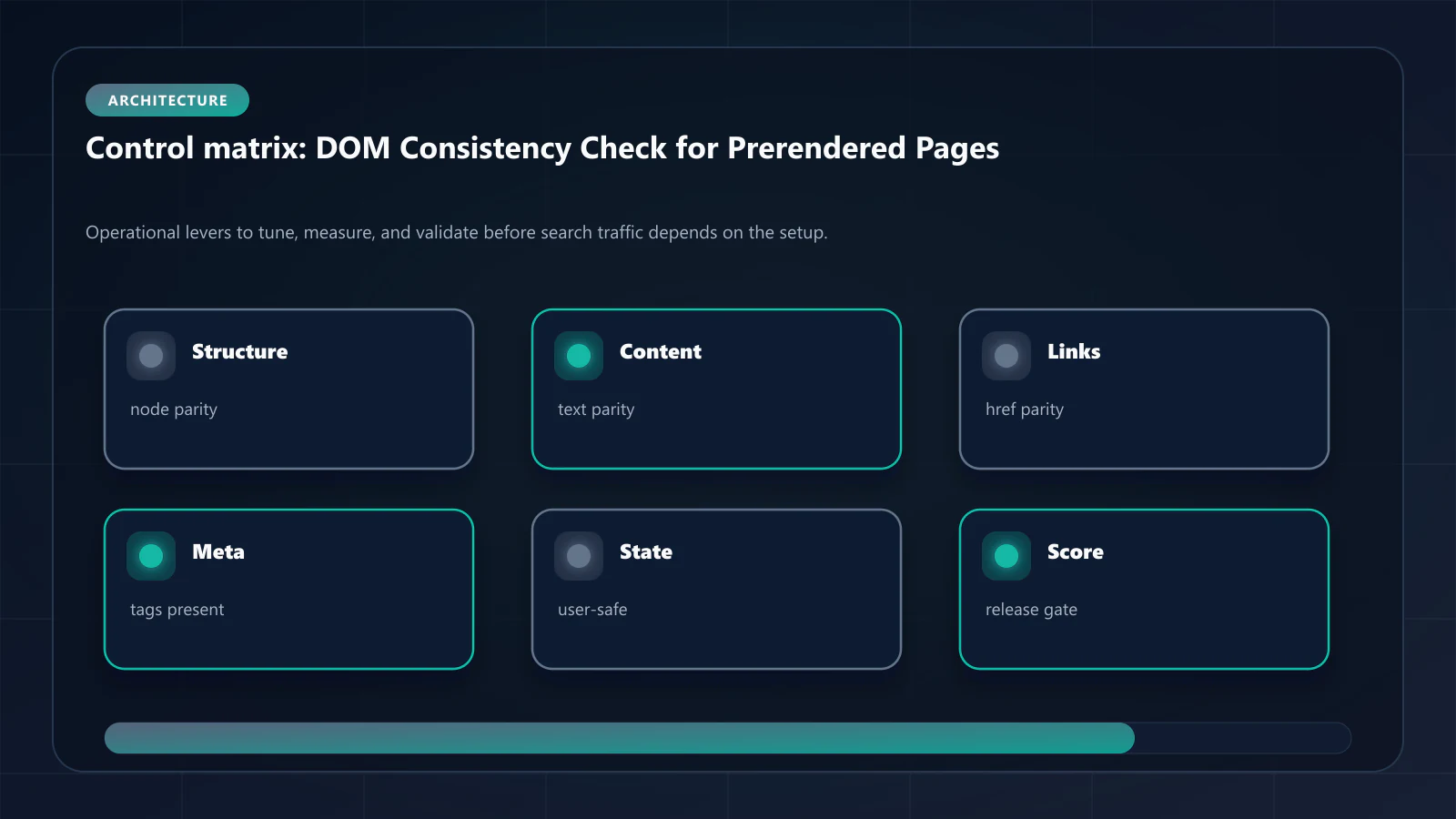
Compare these dimensions between the two outputs:
- Word count of body text content
- Count and href values of all
<a>tags - Count and text content of all heading tags (h1–h6)
- Presence and content of all
<script type="application/ld+json">blocks - Count of visible images with alt text
- Text content of navigation elements
A score is computed as the percentage of these dimensions that match between the two representations. Automated tools like the Prerender Checker handle this comparison across URL batches.
For teams without tooling, the View as Bot vs Prerender tool provides a side-by-side comparison for individual URLs — useful for diagnosing specific pages before building out systematic measurement.
What Causes DOM Consistency Failures
DOM consistency failures follow a small number of recurring patterns. Understanding the root cause determines the fix.
Client-side data fetching
The most common pattern: essential content is fetched via API after the page mounts. The static HTML contains a loading skeleton or empty container. The hydrated DOM contains the actual content. Googlebot indexes the skeleton. This pattern affects product descriptions, pricing, user counts, testimonials, and any other data-driven content loaded via useEffect or similar hooks.
Feature flags and A/B tests
Feature flags evaluated client-side can show or hide content depending on conditions that differ between the server render and the user environment. A flag that hides a section for new users may not be evaluated during server rendering, causing the section to appear in the static HTML but be hidden in the hydrated DOM — or vice versa.
Hydration timing and random IDs
React and other frameworks sometimes introduce random IDs, timestamps, or session-specific values during hydration that differ from server-rendered values. These differences register as mismatches in DOM consistency scoring even when the visible content is semantically identical.
JavaScript-injected metadata
JSON-LD blocks, Open Graph meta tags, and canonical URLs managed by client-side libraries (such as some configurations of Next.js Metadata API in client components) appear in the hydrated DOM but not in the static HTML. AI crawlers and Googlebot miss all of them.
DOM Consistency Thresholds by Template Type
Not every page requires the same consistency target. The following thresholds reflect observed indexation quality at each level:
| Template Type | Minimum Target | Ideal Target |
|---|---|---|
| Acquisition and landing pages | 96% | 100% |
| Product and listing pages | 95% | 98% |
| Blog and editorial content | 92% | 97% |
| Support and documentation | 90% | 95% |
| Low-priority supporting pages | 85% | 90% |
Below 90% on any acquisition-critical template should be treated as a structural rendering failure requiring immediate architectural review.
How Prerendering Achieves 100% DOM Consistency
Streaming SSR and other server-rendering approaches reduce consistency failures but do not eliminate them. Hydration still occurs, and hydration introduces variance. The only architecture that achieves 100% DOM consistency on the crawler path is atomic prerendering.
Atomic prerendering generates a complete HTML snapshot after full JavaScript execution — including all data fetching, component rendering, and framework initialization. This snapshot is the final DOM state. There is no second render phase on the crawler path. Googlebot receives the snapshot and reads the same content the user sees.
The remaining variable is snapshot freshness. If the live page updates after the snapshot is generated, the prerender delta — the gap between the snapshot and the current page — grows. A Cache Warming API that refreshes high-priority snapshots before Googlebot's scheduled crawl window keeps the delta below 5%, maintaining effective DOM consistency even for frequently updated content.
Diagnosing DOM Consistency Problems in Practice
A DOM consistency audit typically follows this sequence:
- Identify high-value template families — acquisition pages, product templates, core blog articles
- Sample 5–10 URLs per template family — choose a mix of high-traffic and recently published
- Capture both static HTML and hydrated DOM for each URL
- Run the comparison across text content, links, headings, and JSON-LD
- Score each template family and identify which patterns fall below threshold
- Trace the root cause — which rendering dependency is producing the divergence
- Implement the fix — move data fetching server-side, adopt prerendering for the affected templates, or refactor feature flag evaluation to the server layer
The fix is almost always architectural rather than content-level. DOM consistency failures are symptoms of rendering system design, not of what is written on the page.
Frequently Asked Questions
After every significant release touching frontend templates, data-fetching logic, or feature flag configurations. Monthly baseline checks for high-value template families provide early warning before consistency degradation affects rankings.
Yes. GPTBot, ClaudeBot, and Google's AI indexing pipeline all operate on static HTML. Any content that depends on JavaScript execution is invisible to them. Low DOM consistency directly reduces the semantic density that AI systems use to evaluate extraction quality.
They are related but distinct. CLS measures visual layout stability for users — how much elements shift during page load. DOM consistency measures semantic accuracy for crawlers — whether indexed content matches user-visible content. A page can have perfect CLS and poor DOM consistency if JavaScript adds content after load without causing visual shifts.
Yes, in some cases. Moving data fetching to server components (in Next.js App Router), using SSG for high-value templates, or refactoring feature flags to evaluate server-side can all improve DOM consistency. Prerendering is the comprehensive solution when these approaches are not feasible across all affected templates. !Raster matrix diagram of operational levers, risks, and validation checks for DOM Consistency Check: How to Verify SEO-Friendly DOM Snapshots.
Explore the canonical guides
Editorial trust
Written by prerender Editorial · Engineering Team. We build and run pre-rendering infrastructure for more than 200 engineering teams, which is where the numbers and code samples on this page come from.
Last updated . Editorial scope and review policy: About prerender.info.