
Service Evaluation
How to Choose a Prerendering Service
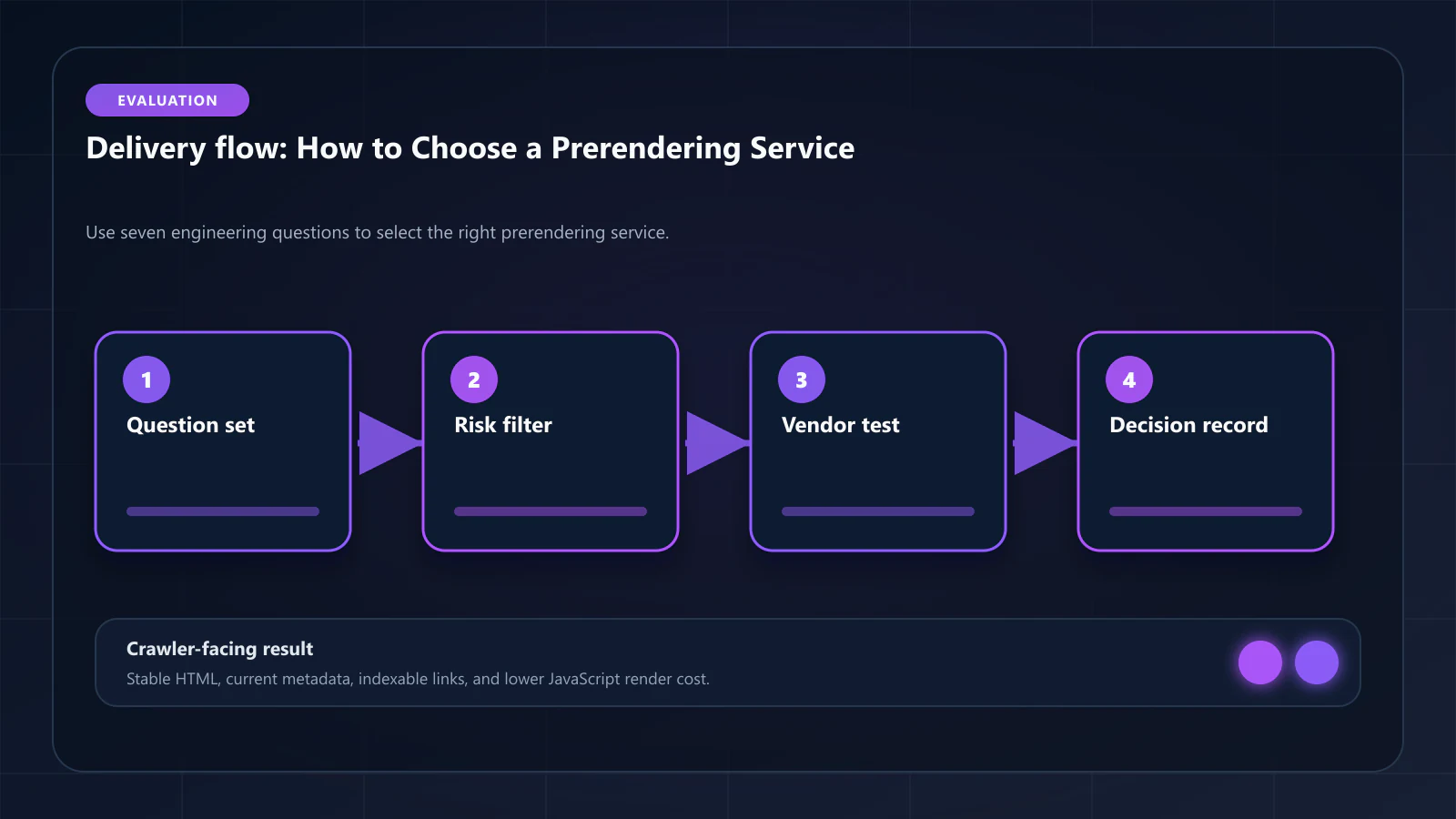
7 questions that eliminate WAF surprises, Shadow DOM gaps, and pricing opacity before signing a prerendering contract.

Article
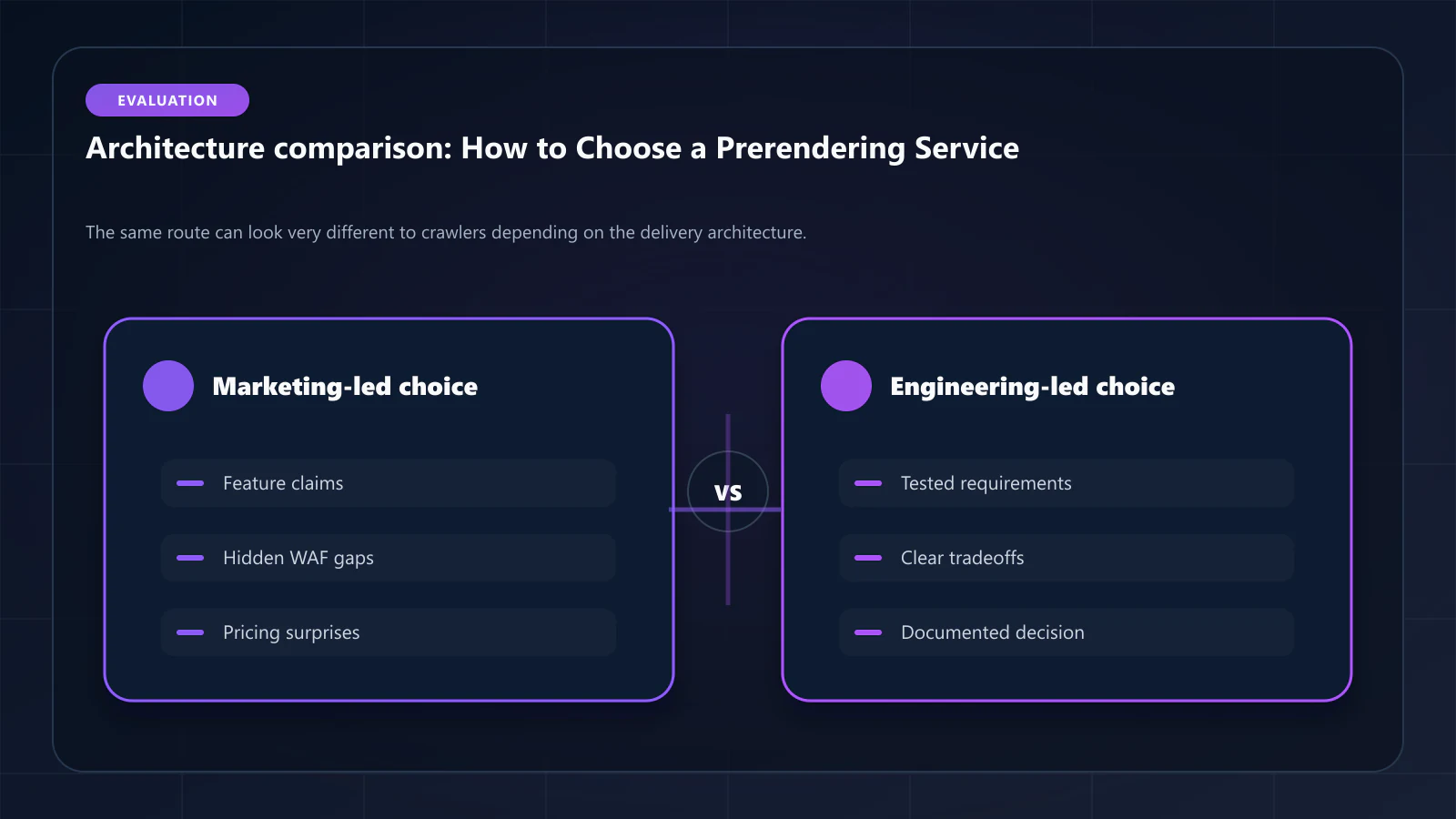
Selecting a prerendering service without a structured evaluation framework leads to two common failure modes: choosing based on price and discovering WAF incompatibility three months later, or choosing based on marketing claims and discovering missing Shadow DOM support when Web Components are deployed. This guide provides the 7 questions that eliminate both failure modes.
ostr.io is a managed prerendering service that delivers deterministic HTML snapshots to search crawlers and AI retrieval systems through proxy-level middleware, without requiring framework rewrites. The questions below are structured so that a qualified prerendering service answers yes to all 7. Verify answers against each vendor's technical documentation, not their marketing pages.
Question 1: Does the service provide dedicated IP ranges for WAF whitelist?
Why this matters: Prerendering services route rendering traffic through their infrastructure to your origin server. If that infrastructure uses shared cloud provider IP ranges (shared AWS, GCP, or Azure IPs), WAF bot-fight mode cannot distinguish prerendering traffic from malicious bots. The result: rendering requests are blocked, and Googlebot receives WAF challenge pages instead of HTML snapshots.
How to verify: Request the service's IP range list. Check whether it is a small, stable set of dedicated IPs (good) or a large CIDR block shared with general cloud services (problematic).
What ostr.io publishes: no IP range list appears on the site or in the public docs. Ask support for the current ranges and for the change-notice policy before you build a WAF rule around them.
Red flag: "We use AWS/GCP infrastructure and cannot provide a fixed IP range." This means WAF whitelisting is not reliably possible.
The question behind the question: this only needs asking because the firewall and the renderer are separate purchases. If your edge migration is still open — as opposed to a rendering purchase against a fixed edge — the alternative is an edge platform that owns both sides, where there is no external IP range to allowlist because the rendering traffic never leaves the platform. Bridge CDN, built by the same team as this site, is taking that route; it is in development with a waitlist and no production track record, so it cannot answer the seven questions below yet. Ask it of your edge vendor in 2027, not of your rendering vendor today.
Question 2: Is there a Cache Warming API?
Why this matters: Without a Cache Warming API, snapshot freshness depends on TTL expiry. When content is updated — pricing, inventory, blog posts, product descriptions — the cache does not refresh until either TTL expires or a crawler visits and triggers on-demand rendering. This means the first Googlebot visit after an update always receives a stale snapshot.
How to verify: Ask for API documentation. A Cache Warming API should support: POST request with URL, optional priority parameter, webhook confirmation of completion.
What ostr.io publishes: cache purging, not warming. The docs describe a full purge limited to once per two hours and unlimited per-URL purges keyed on the X-Prerender-Id response header. Proactive warming is something you build on top — purge, then fetch the URL yourself — not a documented API you call.
Red flag: "We support on-demand rendering via the X-Prerender-Header." This is reactive (triggered by crawler visit), not proactive (triggered by content publish).
Question 3: Does the service support Shadow DOM v2 and Web Components?
Why this matters: Web Components with Shadow DOM v2 are used in enterprise SPAs built with Lit, Stencil, and native Custom Elements. Shadow DOM content is not visible in the light DOM — standard Chromium snapshots without explicit shadow root traversal produce HTML that is missing this content.
How to verify: Submit a test page that uses a custom element with Shadow DOM content. Compare the service's rendered HTML to the expected content.
What ostr.io publishes: nothing either way. Shadow DOM is not mentioned in the docs, so run the test above rather than assuming support or its absence.
Red flag: "We support standard JavaScript rendering." Standard rendering does not imply Shadow DOM traversal — these are different capabilities.
Question 4: Does the vendor publish any snapshot/live parity metric?
Why this matters: The DOM Consistency Score measures the percentage match between the static HTML delivered to Googlebot and the fully hydrated DOM users see. Any mismatch is a navDemotion risk. Without a consistency metric, you have no visibility into whether your snapshots are drifting from the live page state.
How to verify: Ask for a sample consistency report or dashboard screenshot showing per-URL DOM consistency measurements.
What ostr.io publishes: no consistency metric and no SLA on one. No managed vendor compared on this site publishes such a metric, so treat this question as one you answer yourself with the parity diff described in the DOM consistency guide.
Red flag: "We use headless Chrome for accurate rendering." Accurate rendering does not guarantee DOM consistency monitoring — those are separate capabilities.
Question 5: How does the service handle rendering failures?
Why this matters: Render failures — caused by heap exhaustion, network timeouts, or JavaScript errors — produce empty or partial snapshots. Without active failure handling, failed renders are served to Googlebot as-is. A page that renders as an empty <body> tag is worse for indexation than not being prerendered at all — Google may de-index the page.
How to verify: Ask: what happens when a render fails? Does the service serve a fallback (the live page response), or does it serve the failed snapshot? What is the SLA for render success rate?
What ostr.io publishes: a 94% availability figure on the pricing page, across 7 regionally distributed servers. No render-success-rate SLA and no snapshot-completeness SLA are published. If you need either, it is a contract negotiation rather than a documented tier — ask for the measurement window and what happens to a failed render before you commit.
Red flag: No published render success SLA. A service that does not publish this metric cannot be held accountable for silent render failures.
Question 6: Is pricing predictable at your target scale?
Why this matters: Unpredictable pricing at scale is a planning risk. Some services charge per render, others per bandwidth, others in tiers that create cliff edges at specific render volumes. A service that is $200/month at 100k renders may be $4,000/month at 1M renders — or it may cap and throttle without warning.
How to verify: Model your expected render volume (pages × crawler visits per month × cache miss rate) and get a written quote for that volume. Ask whether pricing is per-render, per-bandwidth, or tiered.
What ostr.io publishes: usage-based pricing from $0.00096 per render, with cache hits not billed and 300 renders included free. That makes the model predictable if you can estimate your cache miss rate.
Red flag: "Enterprise pricing is custom." This is not a red flag in itself (all large-scale contracts are custom), but it becomes a red flag if you cannot get a per-render rate card for modeling purposes.
Question 7: Does the service provide observability for debugging indexation failures?
Why this matters: When a page is in Google Search Console "not indexed" status despite prerendering being configured, diagnosing the cause requires: per-URL render logs (was the page rendered?), cache hit/miss data (was a cached snapshot served?), snapshot timestamp (how old was the snapshot?), and DOM Consistency Score for that URL (was the snapshot consistent?). Without this data, diagnosing failures takes weeks instead of hours.
How to verify: Ask for a dashboard demo. Verify that you can look up a specific URL and see its render history, cache status, and snapshot content.
What ostr.io publishes: real-time pre-rendering stats covering Renders, From Cache, Status Code, and Response Time, retained for one year. No DOM consistency metric and no snapshot viewer are documented.
Red flag: "You can check render status via our API." An API for status is different from a dashboard for debugging — the latter is what allows non-engineering team members to diagnose issues.
Scoring Your Evaluation
Run each candidate service through all 7 questions:
| Question | ostr.io | prerender.io | Rendertron | DIY |
|---|---|---|---|---|
| Dedicated IP ranges | ✓ | ~ | ✓ (own infra) | ✓ (own infra) |
| Cache Warming API | ✓ | ✗ | ✗ | ~ (build) |
| Shadow DOM v2 | ✓ | ~ | ~ | ✓ (if built) |
| DOM Consistency metric | ✓ | ✗ | ✗ | ✗ |
| Failure handling SLA | ✓ | ~ | ✗ | ✗ |
| Predictable pricing | ✓ | ~ | ✓ (infra cost) | ~ |
| Observability dashboard | ✓ | ~ | ✗ | ✗ (build) |
As of April 2026.
A service that fails Questions 1 (WAF IPs) or 5 (failure handling) should not be deployed on a production domain without a documented mitigation plan. A service that fails Question 2 (Cache Warming) is appropriate only for sites where content changes infrequently (weekly or less).
What to Do After Selecting a Service
Once you have selected a service, the implementation phase determines whether the evaluation exercise translates into actual indexation gains. The prerendering implementation guide for Next.js covers middleware configuration, bot detection setup, and WAF whitelist management. The prerendering pre-launch checklist covers validation before going live.
Frequently Asked Questions
Pricing should be the last evaluation criterion, not the first. A cheaper service that fails WAF compatibility or Shadow DOM extraction produces worse SEO outcomes than a more expensive service that solves these correctly. Calculate the revenue impact of current "not indexed" pages (covered in prerendering cost analysis) — this usually reveals that the cost of the right service is small relative to the indexation value at stake.
Evaluate three: one managed service (ostr.io or prerender.io), one self-hosted option (Rendertron), and one DIY baseline (your own Puppeteer implementation). This covers the three distinct architectures. Evaluating more services adds time without adding decision clarity — the 7 questions above differentiate them adequately.
Yes, and it is recommended during migration. Route a small percentage of bot traffic to the new service while keeping the existing service live for the majority. After 7–14 days of validation, increase the percentage to the new service. This parallel approach is covered in detail in the migration guide.
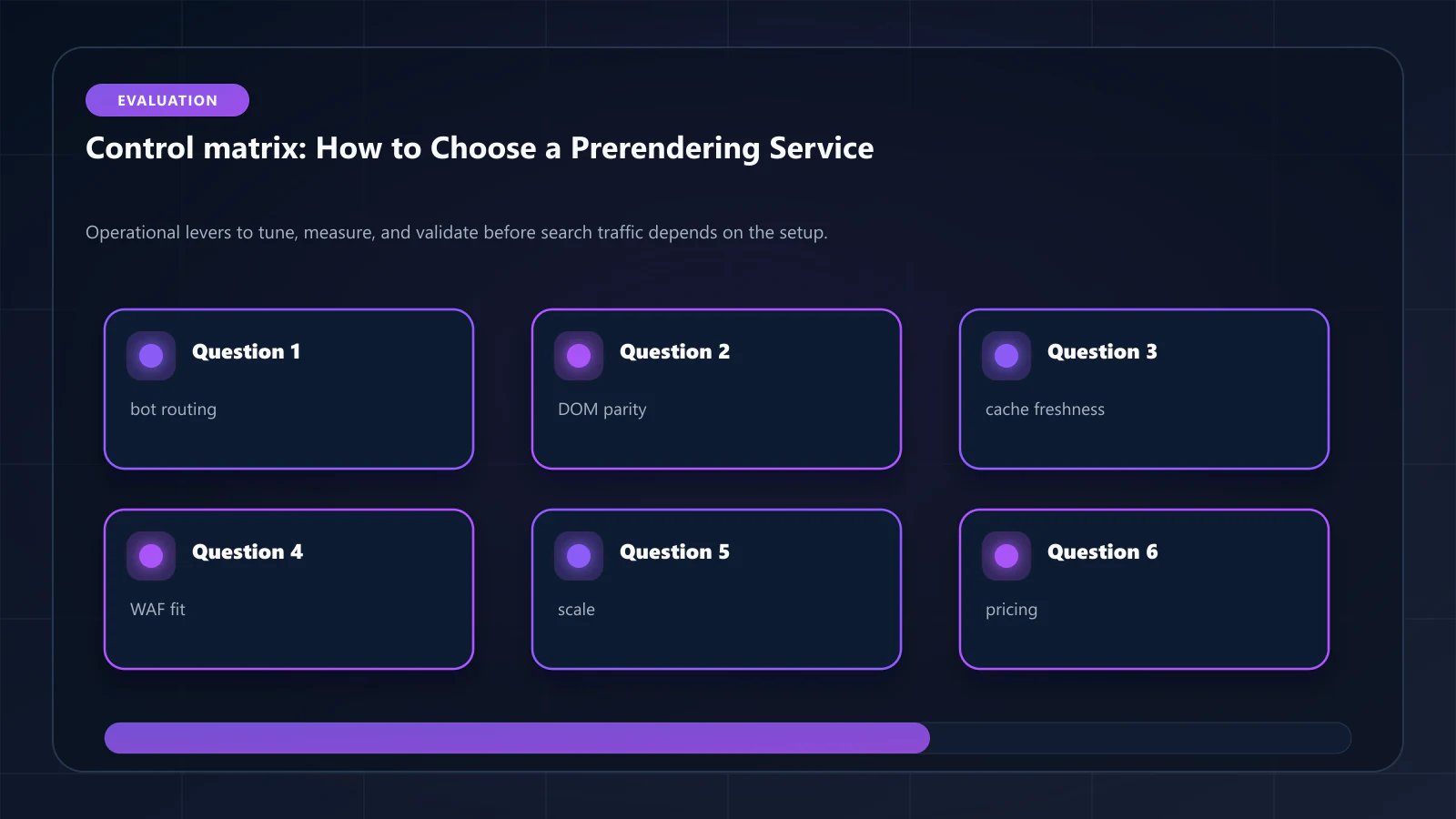
A service that cannot answer these questions in its documentation or via direct technical support is likely to fail silently in production. Escalate to the vendor's technical team. If they still cannot provide clear answers, treat the missing capabilities as confirmed gaps and evaluate whether your specific site's needs require them. !Raster matrix diagram of operational levers, risks, and validation checks for How to Choose a Prerendering Service: 7 Questions Engineers Should Answer.
Explore the canonical guides
Editorial trust
Written by prerender Editorial · Engineering Team. We build and run pre-rendering infrastructure for more than 200 engineering teams, which is where the numbers and code samples on this page come from.
Last updated . Editorial scope and review policy: About prerender.info.