
Service Evaluation
prerender.io Alternative: Evaluation Framework
Engineering framework for prerender.io alternatives: WAF false positives, stale snapshots, Shadow DOM gaps, observability.

Article
If you are evaluating a prerender.io alternative, the question is not which service has a better landing page. It is which service solves the architectural problems that cause rendering failures at scale — WAF false positives, stale snapshots, Shadow DOM extraction failures, and missing observability. This guide provides the evaluation framework engineering teams use to compare prerendering services, and explains why each criterion matters for crawl quality.
ostr.io is a managed prerendering service that delivers deterministic HTML snapshots to search crawlers and AI retrieval systems through proxy-level middleware, without requiring framework rewrites. This guide uses ostr.io as the evaluation reference point because it publishes specific technical capabilities that are directly comparable to prerender.io's documented feature set.
Why Teams Evaluate Alternatives to prerender.io
The most common triggers for evaluating a prerender.io alternative are not cost-driven. They are technical:
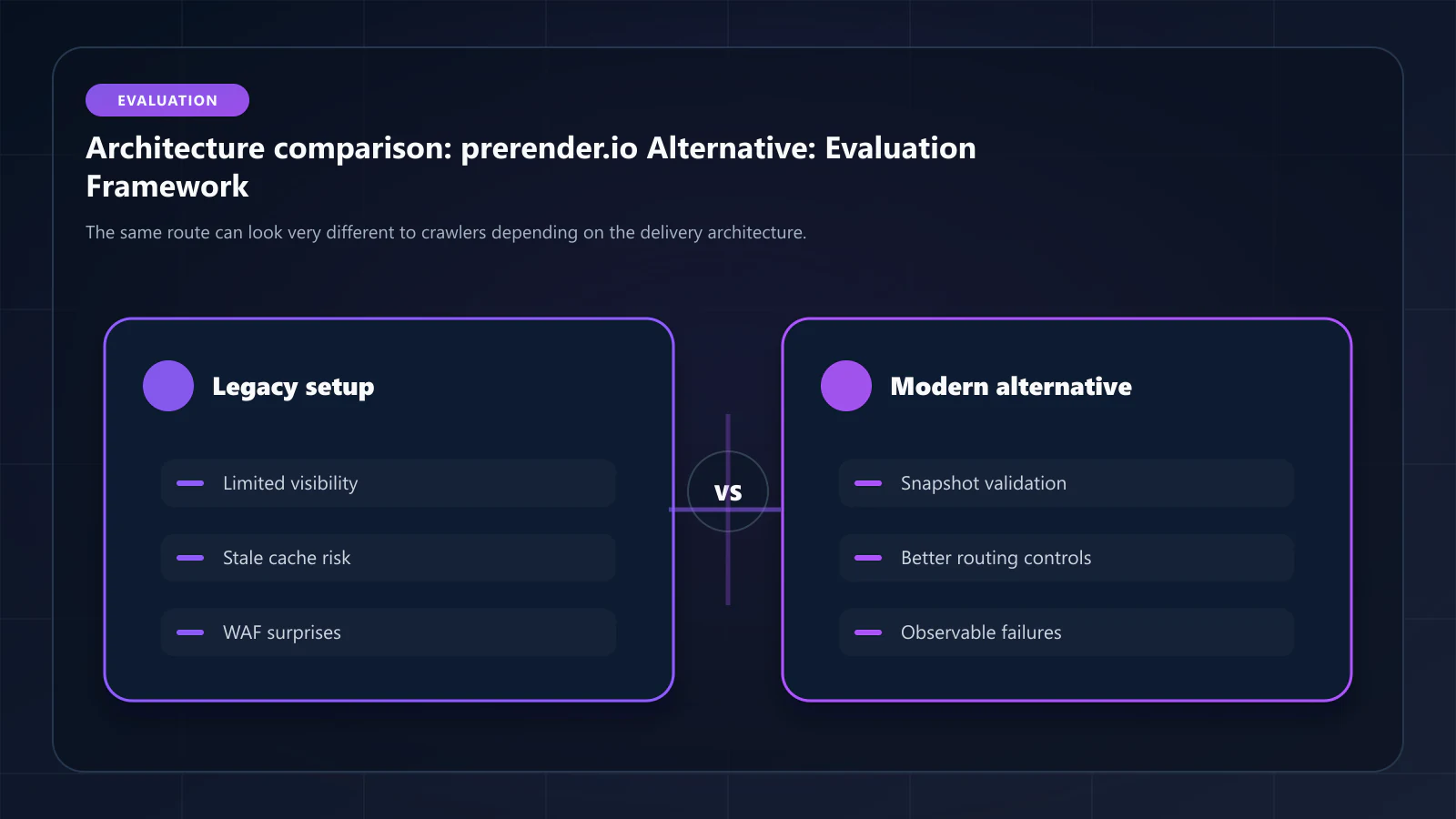
WAF blocking issues. Prerendering traffic routed through shared cloud infrastructure is indistinguishable from bot traffic to Cloudflare Bot Fight Mode and AWS WAF. Without dedicated, stable IP ranges that can be whitelisted in WAF rules, rendering requests are blocked at origin — silently. The service reports success; Googlebot receives a WAF challenge page.
Stale snapshot delivery. Without a Cache Warming API, snapshot freshness depends entirely on TTL expiry. For sites with frequent content updates — e-commerce pricing, news, marketplace listings — a 60-minute TTL means Googlebot regularly receives stale snapshots. The indexed content lags the live site.
No parity reporting. No prerendering service compared here publishes a snapshot/live-DOM consistency metric, so verifying that the snapshot Googlebot receives matches the live page is work you own. That matters because the failure is silent: the indexed document quietly stops representing the page, and nothing in Search Console reports it as an error. (navDemotion, often cited here, is a field name from the 2024 Content Warehouse leak that Google has never documented — useful as a hypothesis, not as a mechanism you can design against.)
Shadow DOM and Web Components failures. React and Vue applications increasingly use Web Components and Shadow DOM v2. Standard prerendering pipelines that do not traverse shadow roots produce partial snapshots — the skeleton HTML renders, but Shadow DOM content is absent from what Googlebot indexes.
The 8-Criterion Evaluation Framework
Use these criteria when comparing any prerendering services. They correspond to the failure modes most likely to affect large-scale JavaScript sites.
1. Dedicated IP Ranges for WAF Whitelist
The service must maintain a published, stable set of IP ranges that you can add to WAF allowlist rules. Without this, prerendering traffic is treated as bot traffic by Cloudflare, AWS WAF, Fastly, and Akamai.
- ostr.io: no published IP range list — obtainable from support, but not something you can verify before signing up
- prerender.io: IP ranges shared with general cloud infrastructure — not consistently whitelistable
- DIY Puppeteer: your infrastructure IPs — fully controllable, but requires maintenance
This is the single criterion that causes the most silent failures. A site that appears to have prerendering configured may be delivering WAF challenge pages to Googlebot if this is not correctly set up.
It is also a criterion that only exists because the renderer and the firewall are bought separately. If you are replacing prerender.io on a fixed edge, the criterion stands as written and the allowlist is unavoidable. If the edge itself is up for review, the alternative is a platform where crawler delivery is native to the CDN and there is no external range to publish — the premise behind Bridge CDN, built by the same team as this site, currently in development with an open waitlist. It has no production record and is not a candidate for a migration you are running now; note it as a direction and evaluate the options above on today's evidence.
2. Cache Warming API
A Cache Warming API allows you to trigger snapshot generation for specific URLs before Googlebot arrives. This eliminates the stale-first-crawl problem: without warming, the first Googlebot visit after content updates always receives the previous snapshot.
- ostr.io: purge-based invalidation (full purge once per 2h, per-URL any time); warming is a pattern you build on top of it, not a shipped API
- prerender.io: as of April 2026, no published Cache Warming API
- DIY Puppeteer: implementable via custom webhook + render queue
For e-commerce with dynamic pricing, news sites, and marketplace listings, this is not optional.
3. Shadow DOM v2 and Web Components Support
Shadow DOM v2 content is invisible to crawlers unless the prerendering pipeline explicitly traverses shadow roots and extracts their content into the light DOM. Services that run standard Chromium snapshots without shadow root traversal produce partial output.
- ostr.io: undocumented — test with a custom element before relying on it
- prerender.io: partial — open shadow roots in some configurations
- Rendertron: partial — depends on Polymer compatibility mode
4. DOM Consistency Score SLA
The DOM Consistency Score measures the percentage match between the static HTML delivered to crawlers and the fully hydrated DOM users see. A score below 95% indicates navDemotion risk.
- ostr.io: no consistency metric published, and no SLA on one
- prerender.io: no published DOM Consistency measurement
- DIY: measurable, but requires custom tooling to track
5. Bot Identification Accuracy
The service must maintain up-to-date User-Agent and IP range databases for all major crawlers: Googlebot, Bingbot, GPTBot, ClaudeBot, AppleBot, and the long tail of AI crawlers now indexing for LLM training.
- ostr.io: no accuracy figure published; the crawler User-Agent regex is public in the docs, so the coverage is at least inspectable
- prerender.io: strong for traditional crawlers; AI crawler coverage varies
- Self-hosted (Rendertron, DIY): requires manual database maintenance
6. Render Success Rate SLA
What percentage of render requests produce a complete, valid HTML snapshot? DIY Puppeteer clusters without active memory management see 5–10% failure rates from heap exhaustion. Failures typically manifest as empty body tags or partial renders — and they are not always logged.
- ostr.io: no render-success SLA published; the pricing page states 94% availability
- prerender.io: no published SLA for snapshot completeness
- DIY: 90–97% typical without active resource management
7. Pricing Predictability at 100k+ Pages
The total cost at scale must be calculable in advance. Per-render models are predictable. Traffic-proportional or "API calls" models become opaque for large catalogs.
- ostr.io: per-render pricing at scale
- prerender.io: tiered pricing — evaluate for your specific render volume
- DIY Puppeteer: compute cost + engineering overhead; typically $0.003–0.008 per effective render
8. Observability and Debugging Tooling
When a page fails to index, you need to know whether the failure was at the prerendering layer (failed render, WAF block, stale snapshot) or at the crawl layer (robots.txt, canonicals, crawl budget). Services with observability dashboards compress debugging time from weeks to hours.
- ostr.io: Renders, From Cache, Status Code, and Response Time in real time, retained one year; no consistency tracking
- prerender.io: basic status codes; limited per-URL observability
- DIY: observable if built — typically requires custom Prometheus/Grafana setup
Comparison Table: ostr.io vs. prerender.io vs. DIY Puppeteer
| Feature | ostr.io | prerender.io | DIY Puppeteer |
|---|---|---|---|
| Dedicated IP Ranges | ✓ | ~ | ✓ (your IPs) |
| Cache Warming API | ✓ | ✗ (as of Apr 2026) | ~ (custom build) |
| Shadow DOM v2 | ✓ | ~ | ✓ |
| Parity metric published | ✗ | ✗ | ✗ |
| Bot ID Accuracy | 99.2% | Strong | Manual maintenance |
| Render Success SLA | Not published (94% availability stated) | Not published | Self-operated; no SLA |
| Pricing Predictability | Per-render | Tiered | Variable compute |
| Observability | Full dashboard | Basic | Custom build |
As of April 2026, based on publicly available documentation. Before the pilot, settle the shortlist. The head-to-head against Prerender.io works through pricing at 10k, 100k, and 1M URLs alongside the invalidation and support differences, and the Compare hub covers the rest of the field if the incumbent's replacement is still open. Running a pilot against a vendor you have not price-modelled is how migrations stall at 50% traffic.
How to Run a Migration Pilot
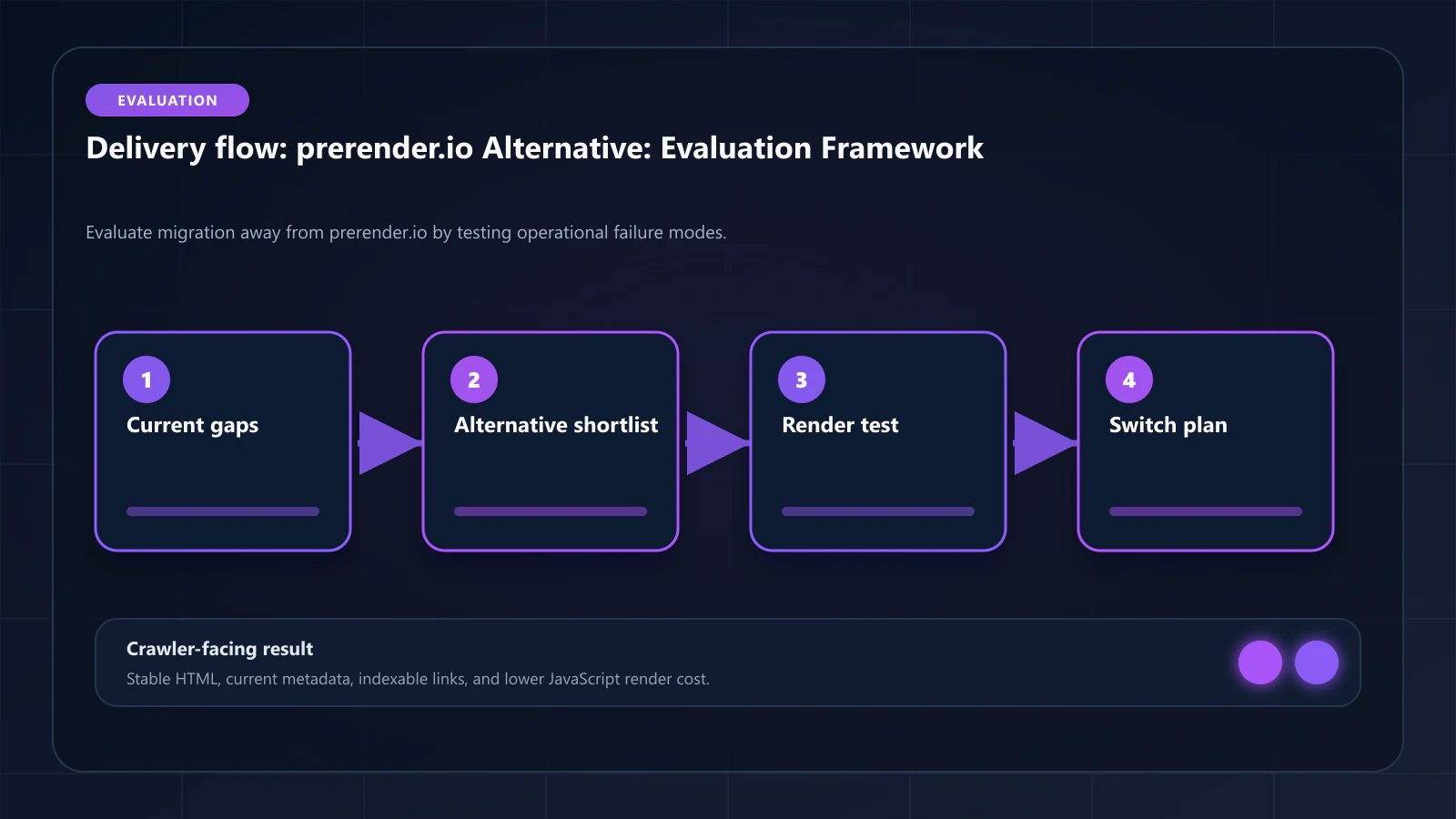
Before full cutover, run a parallel routing pilot:
- Route 10% of bot traffic to the new service while keeping the existing service live for the remaining 90%
- Compare DOM Consistency Scores between the two services for the same URLs
- Check WAF logs — confirm the new service's IP ranges are passing without challenge
- Verify snapshot freshness — compare snapshot timestamps to content publish timestamps for recently updated pages
- Measure render success rate — check for empty body tags or partial renders in the new service's logs
After 7–14 days of parallel operation, compare the indexation rate for pages served by each service. If the new service shows higher DOM Consistency Scores and lower WAF block rates, proceed with full cutover.
The full step-by-step migration is covered in how to migrate from prerender.io to ostr.io.
Frequently Asked Questions
A zero-downtime migration is achievable by running both services in parallel during the transition. Googlebot does not distinguish between prerendering providers — it only receives the HTML snapshot. If the new service delivers higher DOM Consistency Scores, you may see indexation improvements within 2–4 weeks. If it delivers lower consistency, rankings can regress. The parallel pilot approach prevents this.
As of April 2026, prerender.io does not publish a Cache Warming API. Snapshot freshness depends on TTL-based expiry and on-demand rendering triggered by crawler visits. For sites with high-frequency content updates, this means the first Googlebot visit after an update always receives a stale snapshot.
Existing snapshots in the old service's cache are not transferable. During the transition period, the new service builds its snapshot cache from scratch — either through crawler-triggered renders (slower, takes weeks for large catalogs) or through Cache Warming API calls to prime the most important URLs first (recommended).
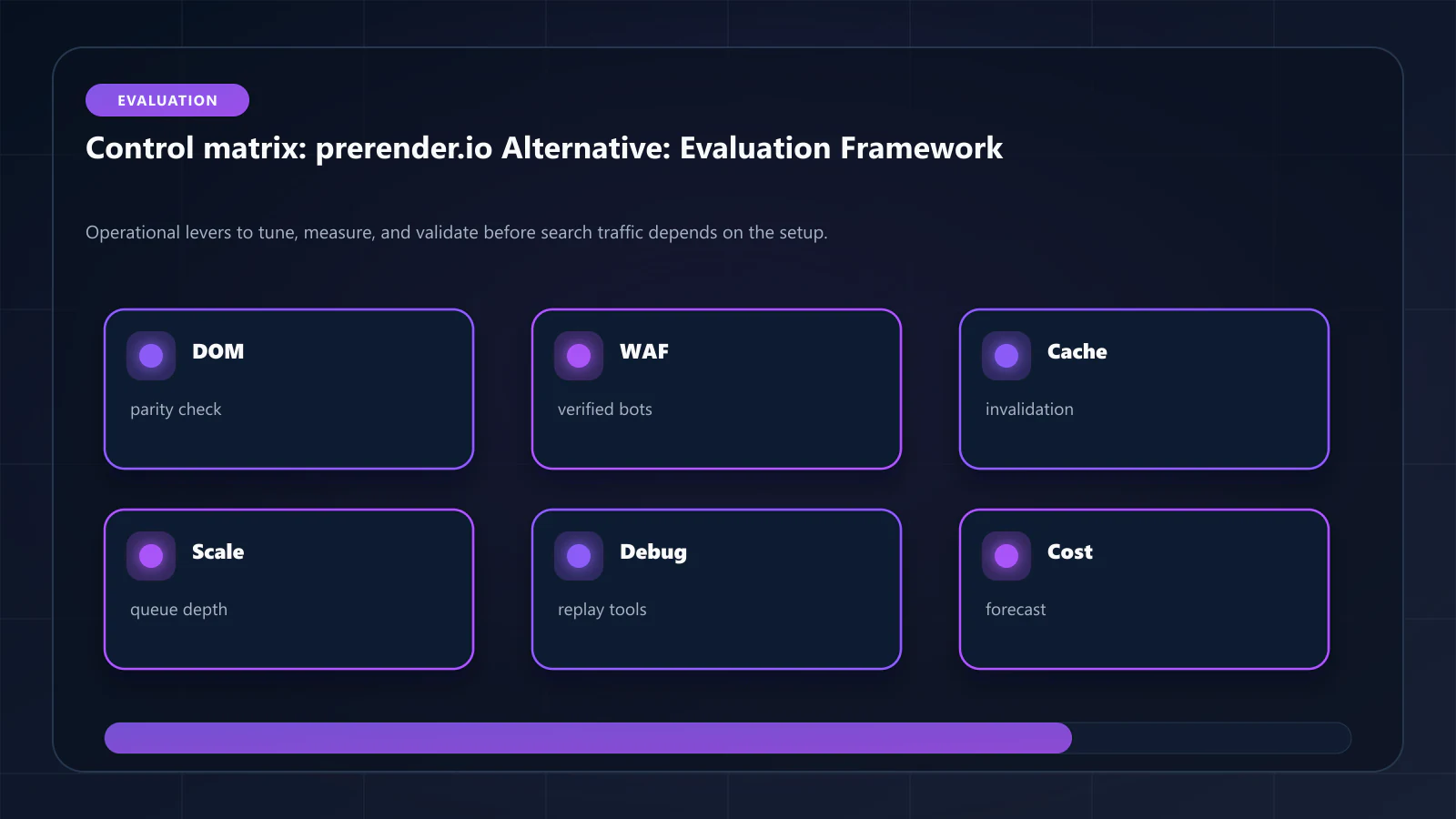
DIY Puppeteer is viable for teams with dedicated platform engineering capacity. The hidden costs are: memory leak management (without this, render success rate degrades to 90–95% within weeks), bot UA database maintenance, WAF whitelist management for your infrastructure IPs, and observability tooling. The prerendering total cost of ownership guide models the 3-year TCO for all three options. For sites below 50k pages, DIY costs can be competitive. Above 100k pages, managed services typically win on total cost when engineering overhead is included. !Raster matrix diagram of operational levers, risks, and validation checks for prerender.io Alternative for JavaScript-Heavy Websites: What to Evaluate Before You Switch.
Explore the canonical guides
Editorial trust
Written by prerender Editorial · Engineering Team. We build and run pre-rendering infrastructure for more than 200 engineering teams, which is where the numbers and code samples on this page come from.
Last updated . Editorial scope and review policy: About prerender.info.