
JavaScript SEO
Prerender for SaaS: JavaScript SEO Gap
Why SaaS and cloud teams use prerender services for crawlers and AI bots, how it differs from SSR, and what to verify pre-deploy.

Article
Single-page apps and client-rendered dashboards often ship minimal HTML to browsers. Search engines and crawlers can execute JavaScript, but they still benefit from fast, predictable HTML, especially at scale across thousands of URLs.
Prerendering generates or caches fully rendered HTML for requested URLs and serves it to bots (and optionally to users) while your app keeps its normal CSR or hybrid stack. That pattern is common for SaaS marketing sites, documentation portals, and customer-facing cloud consoles where SSR is not a drop-in option.
The practical question is not whether Google can execute JavaScript in theory. The practical question is whether your public SaaS surface is too deep, too dynamic, or too operationally fragile to rely on delayed rendering. Docs, changelogs, integration pages, and template directories are usually the first places where that gap becomes visible.
Why minimal HTML becomes a crawl economics problem
In practice, the architecture split is often straightforward. Keep authenticated app views on the live product path. Keep public acquisition routes crawler-visible through a pre-rendered layer. That gives the team an operational boundary instead of forcing the same rendering model onto dashboards, docs, and marketing pages at once.
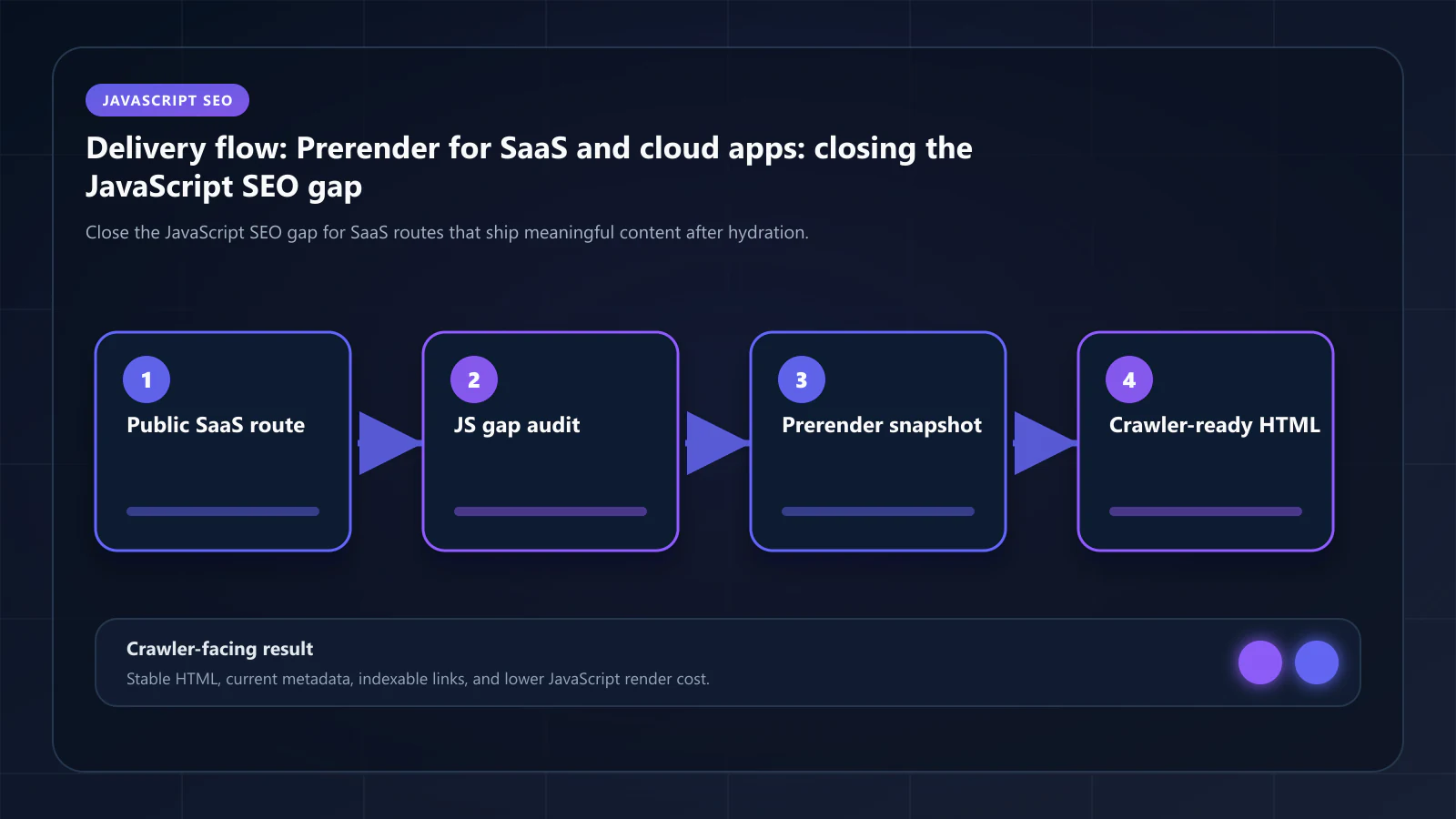
Controls every SaaS team should verify before scaling
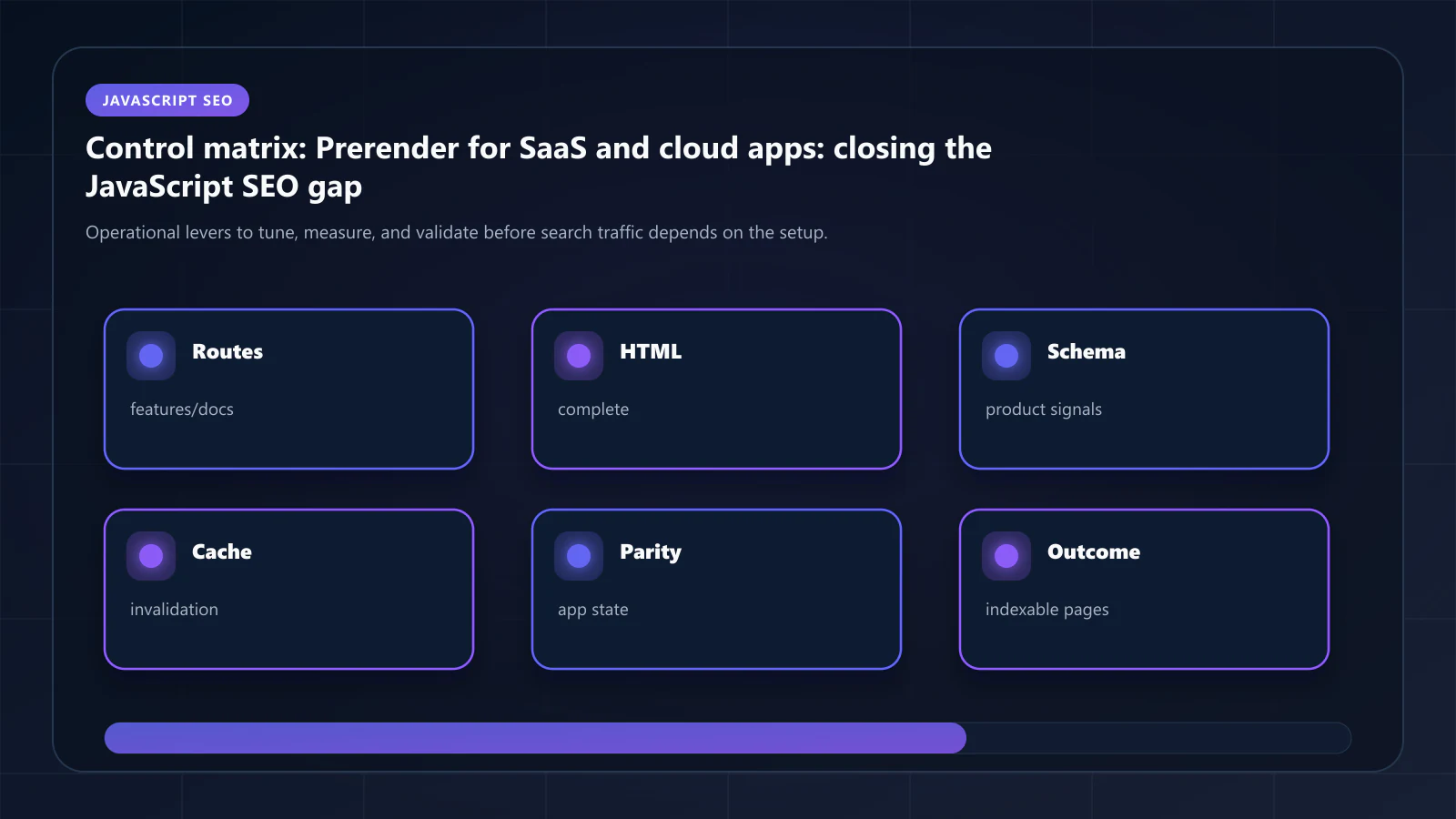
The catch is that prerendering is not just a switch you flip. SaaS teams still need route classification, cache policy by template family, and parity checks between crawler-facing HTML and the live app. If those controls are missing, the problem shifts from under-indexing to unstable snapshots.
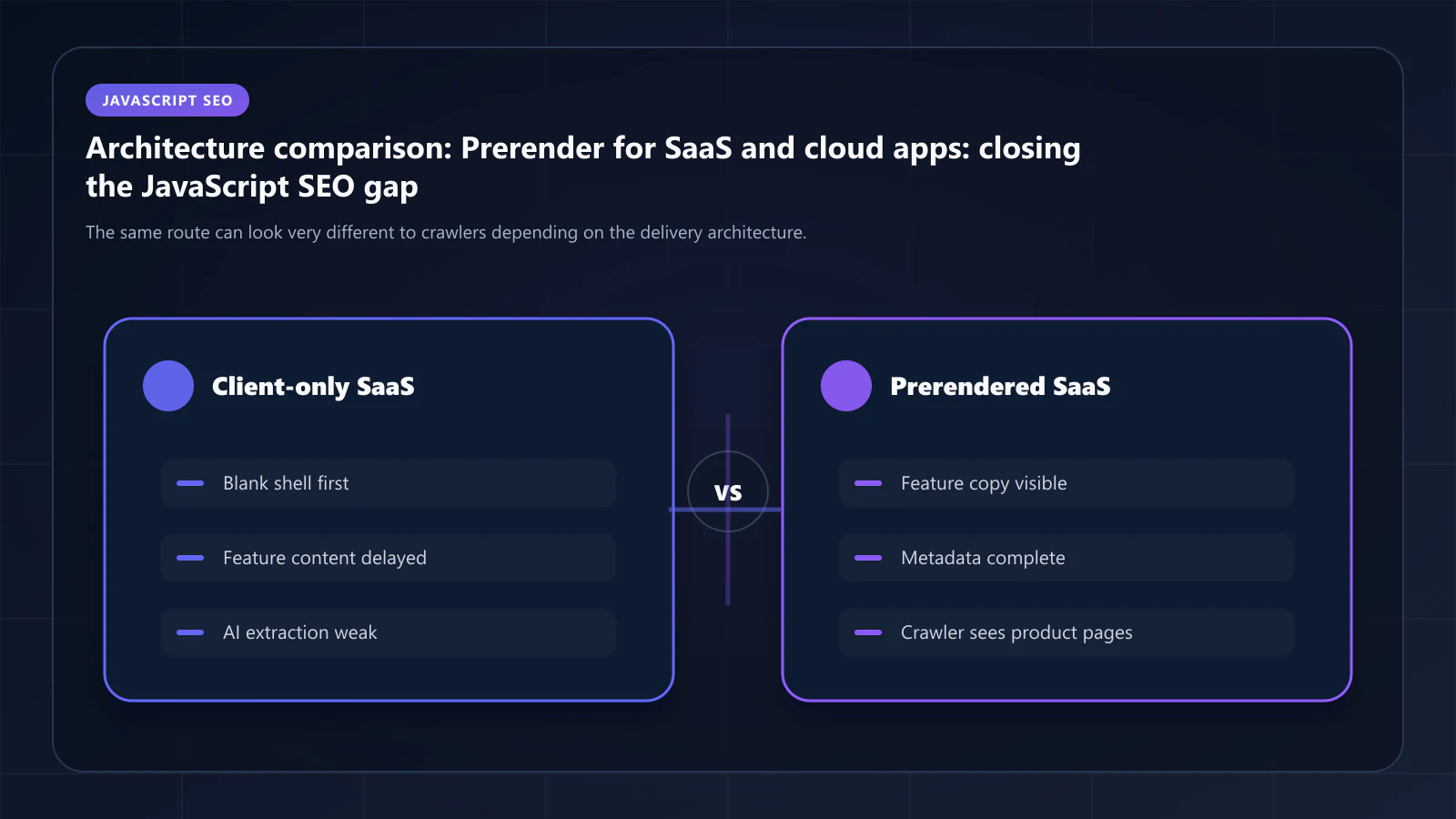
How this topic connects to the broader decision graph
That is also why this topic should usually route back into the main decision clusters. If you are still deciding between rendering models, read the architecture path. If the model is already chosen and the problem is stale or incomplete HTML, move into the operational guides. If the SaaS public surface is the core issue, use the SaaS playbook directly.
Frequently Asked Questions
Marketing pages, pricing, public docs, changelog, integration directories, customer stories, and any template that drives discovery. Authenticated dashboards and account-specific routes stay in the live app — they should never be prerendered or indexed.
Use a Cache Warming API or webhook to invalidate snapshots on doc publish events. Without it, the first crawler hit after a doc update returns stale HTML and the freshness signal degrades. With it, snapshot freshness matches publish cadence.
No. Bot detection routes only crawler User-Agents to the snapshot path. Authenticated users keep cookies, sessions, and the live SPA. The two paths never overlap because they apply to different traffic classes.
Either works for blogs. SSG is simpler when posts are stable and rebuilds are cheap. Prerendering is better when posts are updated frequently and waiting for a full SSG rebuild on every edit is impractical.
Explore the canonical guides
Technology - dynamic rendering vs SSR
Use this if the real question is still architectural rather than SaaS-specific.
Use case - SaaS
The canonical vertical playbook for docs, changelog, templates, and public SPA routes.
Guides - cache headers
Useful once the challenge shifts from visibility to freshness and invalidation.
Editorial trust
Written by prerender Editorial · Engineering Team. We build and run pre-rendering infrastructure for more than 200 engineering teams, which is where the numbers and code samples on this page come from.
Last updated . Editorial scope and review policy: About prerender.info.