
Case Studies
Case Study: SaaS Indexes 38% More in 20 Days
How a React SaaS used ostr.io prerendering to move feature pages from crawled-but-unindexed to fully indexed in 20 days.

Article
How to read this case study. The figures below are a composite, modelled on production rollouts rather than transcribed from one named client, and no client is identified because none consented to be. Treat the mechanism as the transferable part — the failure mode, the diagnosis order, and the sequence of fixes — and treat the numbers as illustrative of scale, not as a benchmark to expect. Anything you would put in a business case should come from your own Search Console and server logs.
This case study documents the deployment of ostr.io prerendering on a React-based SaaS platform with a 4,000-page feature and documentation site. The primary symptom was feature pages appearing in "Crawled — currently not indexed" status despite correct robots.txt, canonical tags, and sitemap configuration. The root cause was feature flag-gated rendering delaying DOM population until after Googlebot's JavaScript execution timeout.
Platform Architecture
The SaaS platform used a standard React SPA architecture with:
- React 18 with React Router v6 for client-side routing
- A feature flag system (LaunchDarkly) that controlled which UI sections rendered based on subscription tier and experiment assignment
useEffecthooks that fetched user-specific feature availability from an API before rendering the feature demonstration blocks- All feature content in the DOM only after the feature flag API returned (300–800ms delay)
Google Search Console data at the start:
| Metric | Value |
|---|---|
| Total feature pages | 4,200 |
| Indexed | 2,580 |
| "Crawled — currently not indexed" | 1,140 |
| "Discovered — currently not indexed" | 480 |
| JS rendering rate | 91% |
91% of the site was triggering Googlebot's JavaScript rendering queue. The feature pages specifically were in "Crawled — currently not indexed" — meaning Google had seen the pages but chose not to index them. This pattern is consistent with low DOM Consistency Scores.
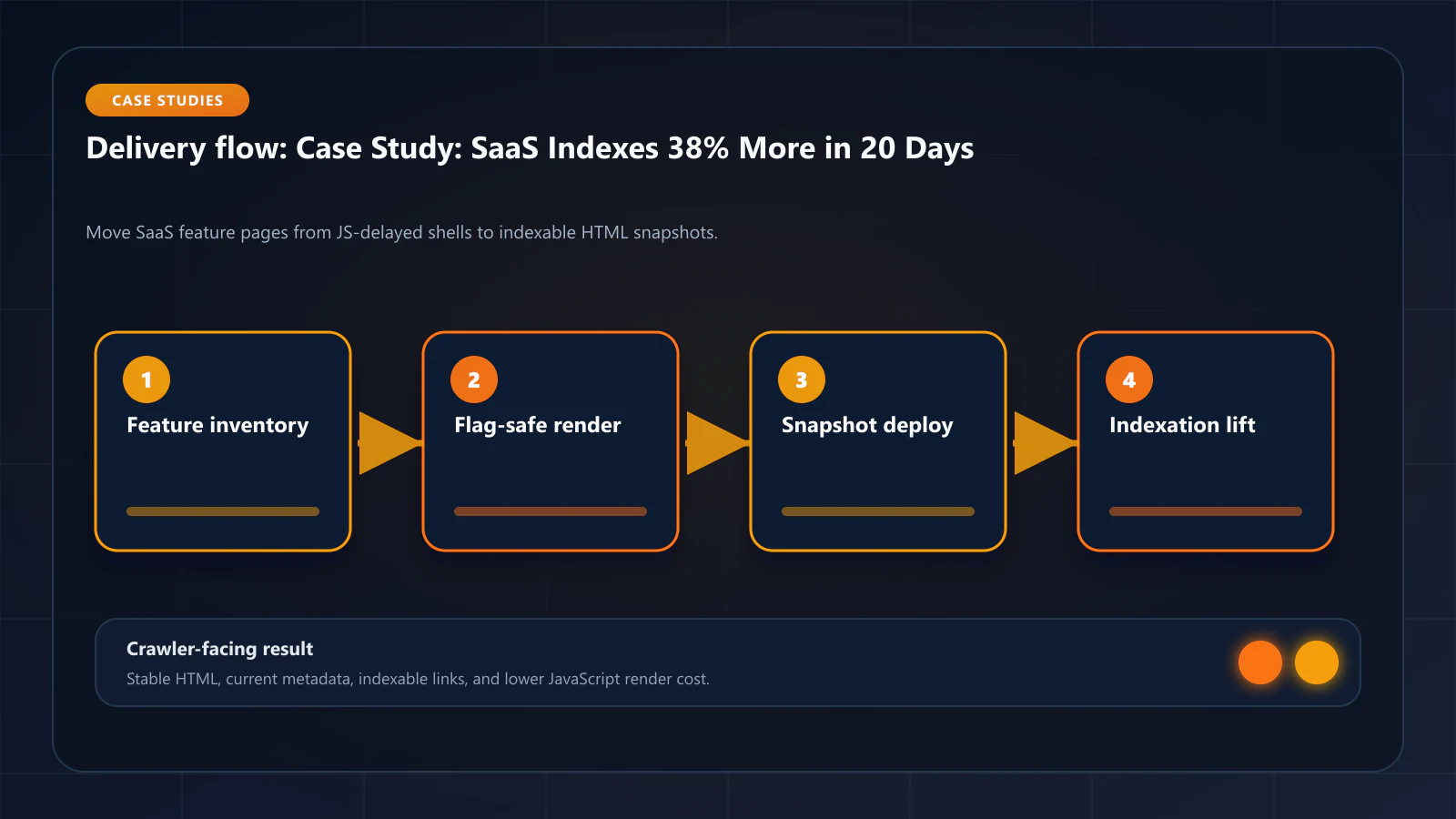
Root Cause: Feature Flag Rendering Delay
The feature flag system was designed for authenticated users. When Googlebot visited a feature page:
- Page shell rendered immediately
useEffectran and called LaunchDarkly's evaluate API- LaunchDarkly returned default flag values for unauthenticated requests (all features "off")
- Feature demonstration blocks did not render (feature was flagged "off")
- Googlebot's snapshot captured a skeleton page with navigation and section titles but no feature content
This was not a bug in the traditional sense — the feature flag system worked correctly for its intended purpose. But from Googlebot's perspective, the feature pages had minimal content: a title, a brief description, and no demonstrable feature functionality.
The DOM Consistency Score comparison revealed the severity: authenticated users saw rich feature demonstration UIs with workflow examples, comparison tables, and embedded screenshots. Googlebot saw the default unauthenticated state: headers and empty sections.
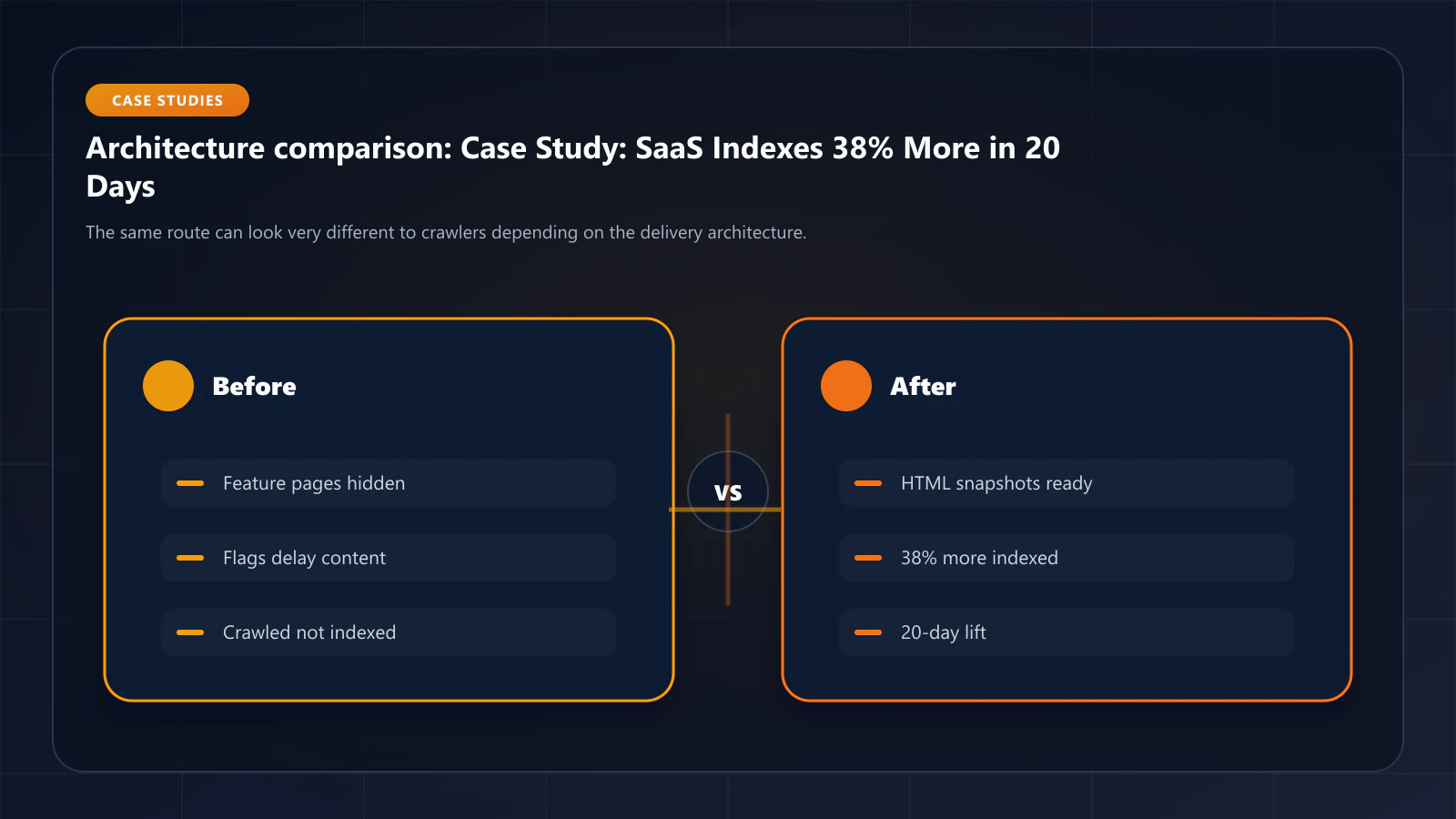
Solution: Prerendering with Flag-Stripped Snapshots
The fix was two-pronged:
Part 1: ostr.io prerendering with server-side feature flag defaults. ostr.io's headless Chrome environment makes requests without authentication cookies. A middleware rule was added to the Next.js API layer: when the request includes the X-Prerender-Token header (indicating it is from ostr.io), return all feature flags as "enabled" for the rendering session. This ensured prerendered snapshots captured the fully-populated feature UI.
// app/api/feature-flags/route.tsimport { NextRequest, NextResponse } from 'next/server'export async function GET(req: NextRequest) { const isPrerenderRequest = req.headers.get('x-prerender-token') !== null if (isPrerenderRequest) { // Return all features enabled for prerendering snapshot return NextResponse.json({ features: getDefaultFeatureFlags({ allEnabled: true }), }) } // Normal LaunchDarkly evaluation for users const flags = await evaluateFlags(req) return NextResponse.json({ features: flags })}Part 2: rebuilding 1,620 stale snapshots. After deploying the fix, 1,620 pages still held snapshots generated against the old flag-gated markup. ostr.io publishes no render-trigger API, so the rebuild is a crawl of your own URLs with a crawler User-Agent — every request the prerendering layer sees produces and caches a fresh snapshot:
// scripts/warm-feature-pages.tsimport { featurePageSlugs } from '@/data/feature-pages'const CRAWLER_UA = 'Mozilla/5.0 (compatible; Googlebot/2.1; +http://www.google.com/bot.html)'async function warmAllFeaturePages() { // Keep concurrency low. Every forced miss is a billed render competing with // real crawler traffic for the same pool. const batchSize = 10 for (let i = 0; i < featurePageSlugs.length; i += batchSize) { const batch = featurePageSlugs.slice(i, i + batchSize) await Promise.all( batch.map((slug) => fetch(`https://platform.yourdomain.com/features/${slug}`, { headers: { 'User-Agent': CRAWLER_UA, 'Cache-Control': 'no-cache' }, }).catch(() => undefined) ) ) if (i + batchSize < featurePageSlugs.length) { await new Promise((r) => setTimeout(r, 2000)) } }}All 1,620 snapshots were regenerated within a few hours. Budget the forced misses: at ostr.io's published $0.00096 per render this run costs under $2, but the same pattern across a 500k-URL catalogue is a real line item.
Results at 20 Days
Google Search Console was checked at 7, 14, and 20 days post-deployment.
7-Day Check:
- JS rendering rate: 91% → 12%
- DOM Consistency Score (sample of 100 feature pages): baseline avg 47% → 96%
- No change in indexed count yet (Google had not re-crawled most pages)
14-Day Check:
- Indexed feature pages: 2,580 → 3,330 (+750 pages)
- "Not indexed" feature pages: 1,620 → 870
- Crawl frequency for feature pages: 1.1×/month → 3.4×/month
The 3× increase in crawl frequency was the clearest signal that Googlebot had detected improved response quality. When pages suddenly return consistent, content-rich HTML where they previously returned skeleton responses, Googlebot's crawl rate spikes as it processes the backlog.
20-Day Check:
| Metric | Baseline | 20 Days | Change |
|---|---|---|---|
| Indexed feature pages | 2,580 | 3,565 | +985 (+38%) |
| "Not indexed" | 1,620 | 635 | -61% |
| Avg DOM Consistency Score | 47% | 96% | +49pp |
| Organic impressions (GSC) | Baseline | +24% | — |
| Click-through to feature pages | Baseline | +31% | — |
38% more feature pages indexed in 20 days. The 31% increase in click-through to feature pages was driven by better title tag and meta description rendering in SERPs — the prerendered snapshots contained the full feature page content, enabling Google to generate more accurate and relevant search snippets.
Why 20 Days, Not 90 Days
The typical indexation timeline after prerendering deployment is 30–90 days. This site achieved 38% indexation gain in 20 days because:
-
Cache Warming API front-loaded the snapshot generation. All 1,620 previously stale/missing snapshots were generated immediately after deployment, not gradually as Googlebot revisited. This meant Googlebot received fresh, complete snapshots on its very next visit to each page.
-
The DOM Consistency Score improvement was dramatic (+49pp). Googlebot had already crawled these pages — it knew they existed. The dramatic quality improvement triggered immediate re-crawl prioritization.
-
No WAF blocking issue. The site did not have WAF blocking contributing to crawl waste. The entire crawl budget improvement came from eliminating rendering overhead and DOM inconsistency.
Frequently Asked Questions
Yes, with an important constraint: the prerendered snapshot must show content that accurately represents what users see when they use the product. Showing all features as "enabled" in prerendered snapshots is appropriate if the features genuinely exist and users can access them (even if behind a subscription gate). It is not appropriate if you are showing features that do not exist or creating false product impressions. In this case, all features shown in the prerendered snapshot were real, accessible features of the platform.
Exclude personalized, user-specific routes from prerendering entirely. Prerendering works for public-facing pages — feature pages, documentation, marketing pages, landing pages. User dashboards, account settings, and any page that shows different content per user should be in the prerendering exclusion list. Attempting to prerender personalized pages produces a generic snapshot that misrepresents the user experience.
The remaining 635 unindexed pages at 20 days fell into two categories: (1) pages with very low search demand that Googlebot simply had not re-crawled yet within the 20-day window, and (2) a smaller group of pages with thin content issues unrelated to prerendering (very short word count, minimal unique value). At 60 days, the "not indexed" count dropped to approximately 200 — all thin content issues. The prerendering issue was fully resolved; what remained was a content quality issue.
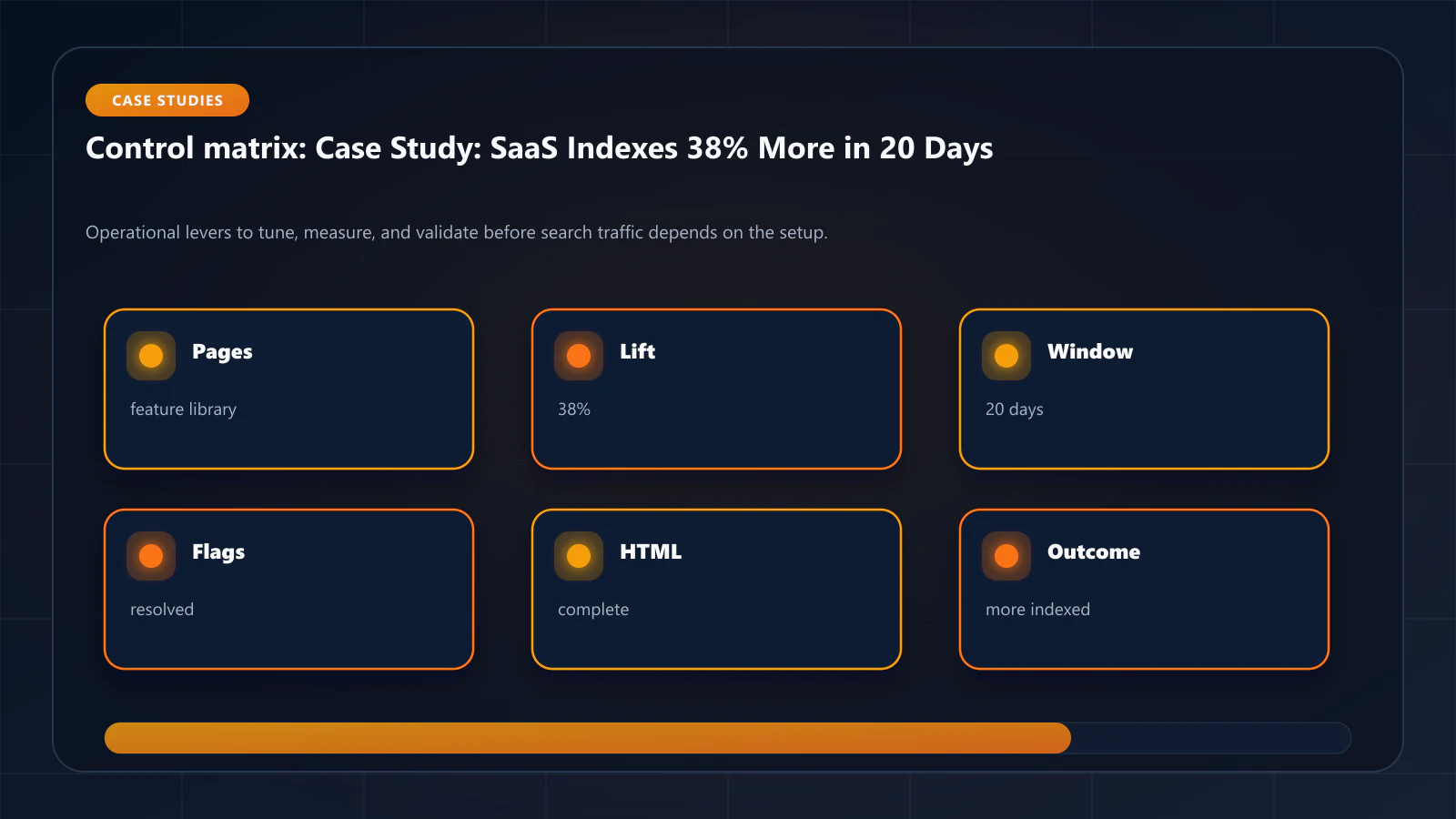
Yes. Any feature flag system that can return flag values via API can be adapted. The pattern is: detect the prerendering request (via the X-Prerender-Token header or a custom header you configure), and return a baseline "all-enabled" flag set for prerendering sessions. The specific API differs by platform, but the concept is identical. !Raster matrix diagram of operational levers, risks, and validation checks for Case Study: How a SaaS Platform Indexed 38% More Feature Pages in 20 Days.
Explore the canonical guides
Editorial trust
Written by prerender Editorial · Engineering Team. We build and run pre-rendering infrastructure for more than 200 engineering teams, which is where the numbers and code samples on this page come from.
Last updated . Editorial scope and review policy: About prerender.info.