
Implementation Guide
Prerendering Pre-Launch Checklist (2026 Edition)
Validate snapshots, WAF whitelist, DOM consistency, and crawl routing before launching prerendering — avoid empty snapshots.

Article
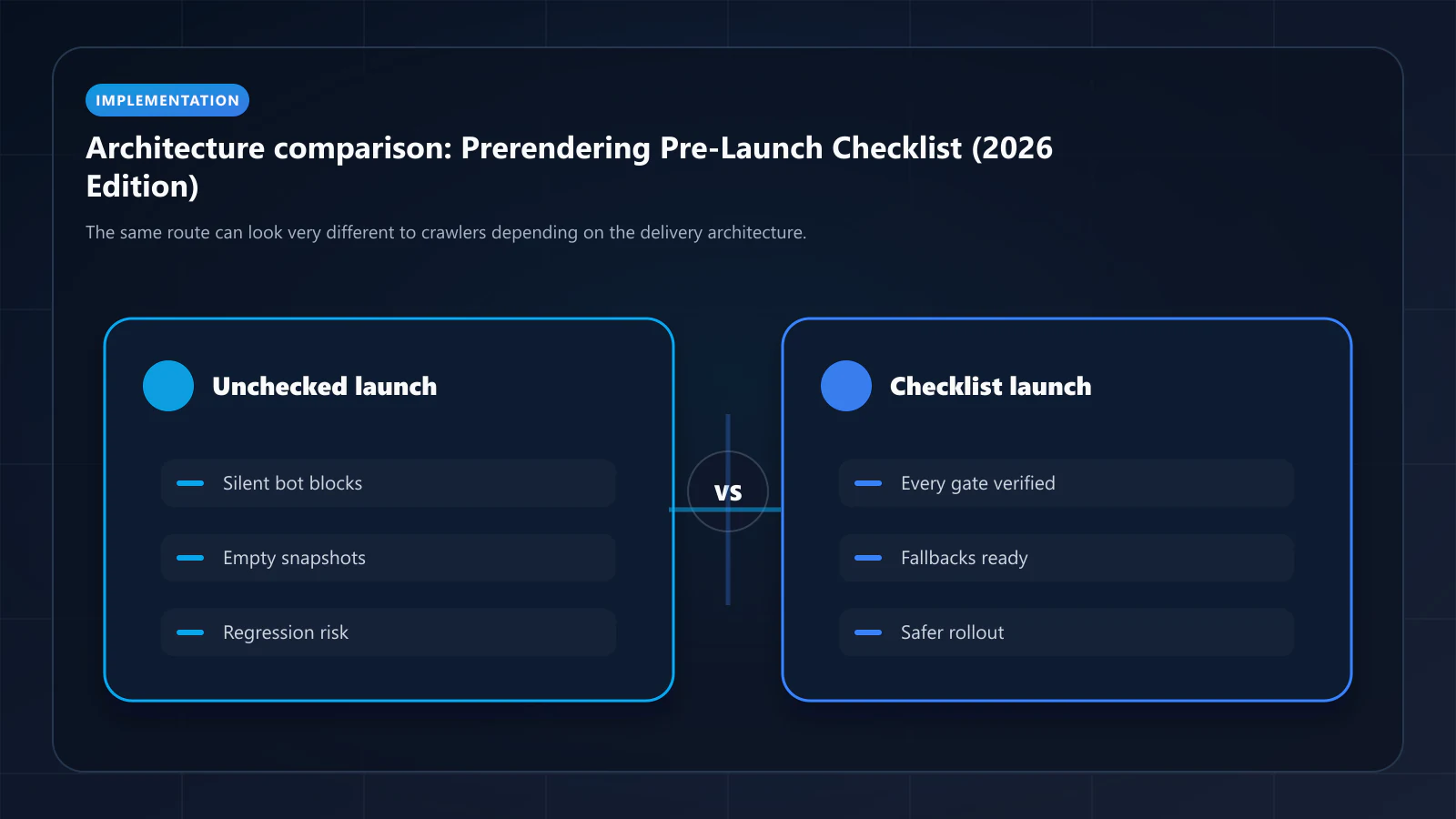
Deploying prerendering without validation introduces the risk of serving incorrect snapshots to Googlebot at scale. An empty body tag delivered to 500k product pages is worse for indexation than no prerendering at all — Google may actively de-index pages when the prerendered snapshot shows dramatically less content than the previously indexed state.
This checklist covers 10 validation areas to complete before switching prerendering to production traffic. Each section includes the commands or tools needed to verify.
ostr.io is a managed prerendering service that delivers deterministic HTML snapshots to search crawlers and AI retrieval systems through proxy-level middleware, without requiring framework rewrites.
Section 1: Proxy Routing Verification
Verify that bot requests are correctly identified and routed to the prerendering service.
1.1 Bot UA routing:
# Confirm Googlebot UA routes to prerenderingcurl -A "Googlebot/2.1 (+http://www.google.com/bot.html)" \ https://yourdomain.com/your-page \ -I | grep -i "x-prerender"# Expected: X-Prerender-Status: hit or X-Prerender-Status: rendered1.2 User UA passes through (not prerendered):
# Confirm standard browser UA does NOT route to prerenderingcurl -A "Mozilla/5.0 (Windows NT 10.0; Win64; x64) AppleWebKit/537.36" \ https://yourdomain.com/your-page \ -I | grep -i "x-prerender"# Expected: no X-Prerender headers1.3 Excluded paths bypass prerendering:
# API routes and admin paths should not be prerenderedcurl -A "Googlebot" https://yourdomain.com/api/health -I | grep -i "x-prerender"# Expected: no X-Prerender headerscurl -A "Googlebot" https://yourdomain.com/_next/static/chunk.js -I | grep -i "x-prerender"# Expected: no X-Prerender headers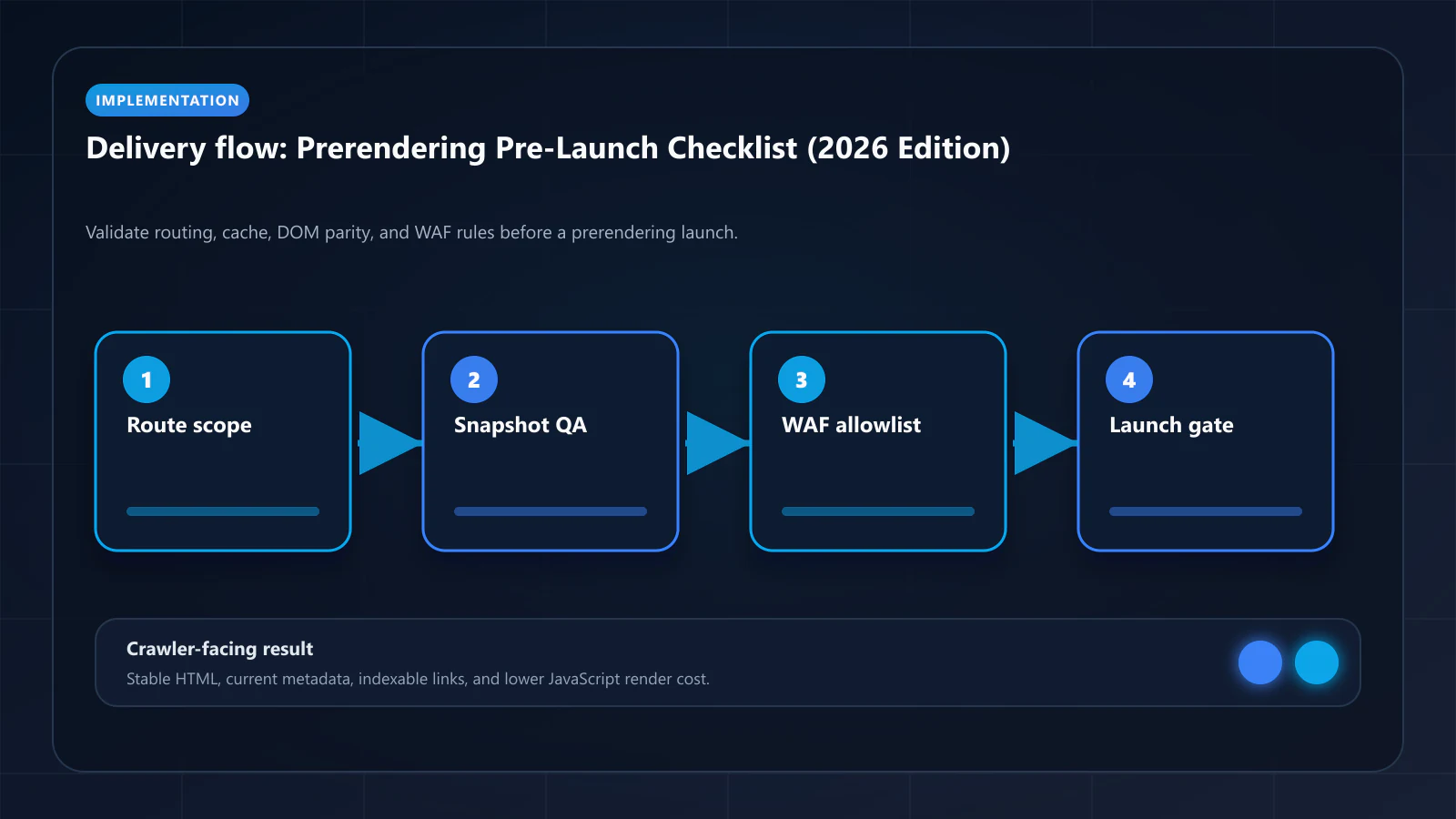
Section 2: DOM Output Comparison
For a representative sample of 20 URLs (high-traffic, varied content types), compare the prerendered HTML to the live DOM.
2.1 Fetch prerendered output:
curl -A "Googlebot" https://yourdomain.com/product/sample-product \ -o prerendered-output.html2.2 Check content completeness:
- Title tag present and correct
- Meta description present and correct
- H1 tag present and matches expected heading
- Body word count: compare
wc -w prerendered-output.htmlto the word count visible in the browser - Product attributes, prices, descriptions — all present in the prerendered HTML
- Navigation links present
2.3 Check for common failure signatures:
# Check for empty body (render failure)grep -c '<body></body>' prerendered-output.html# Expected: 0# Check for WAF challenge pagegrep -i "cloudflare\|access denied\|captcha\|ray id" prerendered-output.html# Expected: 0 matches# Check for loading spinner (render captured too early)grep -i "loading\|skeleton\|spinner" prerendered-output.html | head -5# Review: if loading indicators appear, snapshot was captured before JS completedSection 3: Metadata Parity
Search snippets in Google are generated from title, meta description, and structured heading content. Verify these are correct in the prerendered output.
3.1 Title tag:
grep -o '<title>.*</title>' prerendered-output.html# Compare to expected title from your CMS/data layer3.2 Meta description:
grep -o 'name="description" content="[^"]*"' prerendered-output.html# Compare to expected description3.3 Canonical tag:
grep -o 'rel="canonical" href="[^"]*"' prerendered-output.html# Must match the URL being prerendered — not a generic canonical3.4 Open Graph tags (for social previews routed through prerendering):
grep -o 'og:[a-z]* content="[^"]*"' prerendered-output.html | head -10Section 4: Schema and Structured Data Visibility
JSON-LD structured data must appear in the prerendered HTML (View Page Source), not be injected by client-side JavaScript.
4.1 Verify JSON-LD presence:
grep -c 'application/ld+json' prerendered-output.html# Expected: 1 or more4.2 Verify JSON-LD completeness:
# Extract JSON-LD blocksgrep -A 50 'application/ld+json' prerendered-output.html | head -100# Review: all expected schema types present (Product, BreadcrumbList, FAQPage, etc.)4.3 Validate with Rich Results Test: Submit the prerendered URL to Google's Rich Results Test (search.google.com/test/rich-results). If the tool fetches as Googlebot, it should see the same prerendered output and validate your structured data.
Section 5: WAF Configuration
5.1 Verify no WAF blocks in production logs:
# Cloudflare: filter WAF events for ostr.io IP ranges# Check Cloudflare dashboard → Security → Events → filter by IP = [ostr.io IPs]# Expected: Action = "Allow", not "Block" or "Challenge"5.2 Verify ostr.io IPs in allowlist:
- Cloudflare: Security → WAF → Tools → IP Access Rules → confirm ostr.io ranges with action "Allow"
- AWS WAF: WAF & Shield → IP Sets → confirm ostr.io ranges in allowlist
5.3 Verify priority order (allowlist before bot-fight mode): WAF rules are evaluated in priority order. The ostr.io allowlist must be priority 1 — before any bot-fight mode or bot management rules.
5.4 Test WAF bypass with ostr.io IP: Contact ostr.io support to confirm which specific IP will be used for your test renders. Submit a render request and verify in WAF logs that the request was allowed.
5.5 Confirm the origin is not reachable around the WAF:
# The public answer must be an edge address, not your serverdig +short www.example.comdig +short example.com# Then confirm the origin refuses direct traffic from anywhere else.# From a host outside your network, pointing Host at your domain:curl -sI --resolve www.example.com:443:<ORIGIN_IP> https://www.example.com/# Expected: connection refused / 403 at the origin firewall.# A 200 here means every rule in Section 5 is bypassable.Every allowlist above governs traffic that passes through the edge. If the origin's real address is published in an A or AAAA record, or reachable by IP with a spoofed Host header, scrapers skip the firewall entirely and none of it appears in the event log. Proxying the record keeps the origin address out of public DNS — Cloudflare calls this the orange-cloud state, and Bridge DNS, from the same team as this site, exposes it as a per-record proxy toggle with origin port, protocol, and Host header configured next to it.
5.6 Lower record TTLs before launch day:
dig +noall +answer www.example.com | awk '{print $2, $1}'# Expected: 300 (or lower) at least 24h before a cutoverIf launch involves any record change — a new crawler-path hostname, an origin move, an edge swap — resolvers keep the old answer for the full TTL after you change it. Publish a 300-second TTL at least 24 hours ahead so caches have expired the old, longer value, then restore the normal TTL once the new target is stable.
5.7 Confirm the rollback path does not depend on DNS: The fastest rollback changes a proxy upstream or a route flag. The slowest waits on resolver caches. Write down which one your launch plan actually uses before launch day, not during the incident.
Section 6: Snapshot Freshness Configuration
6.1 Verify a publish event actually refreshes the snapshot:
# ostr.io publishes no render-trigger API. Warming = request your own URL# as a crawler so the snapshot regenerates before Googlebot arrives.curl -sI -A "Mozilla/5.0 (compatible; Googlebot/2.1; +http://www.google.com/bot.html)" \ -H "Cache-Control: no-cache" \ https://yourdomain.com/test-page | grep -i "x-prerender"# Expected: X-Prerender-Status shows a fresh render, and X-Prerender-Id# gives you the cache key you would use to purge this page individually.6.2 Verify the CMS webhook fires the refresh: Publish a test content update and confirm the refresh runs within 60 seconds. Two constraints worth checking against your content cadence before launch: cache TTL on ostr.io is set per host in a 2-to-744-hour range, so short per-route TTLs are not available, and a full cache purge is rate-limited to once per two hours — bulk refreshes must go per URL.
6.3 Verify TTL configuration:
# Check cache TTL headers in prerendering responsecurl -A "Googlebot" https://yourdomain.com/product/sample -I | grep -i "cache-control"# Verify TTL matches your configured valueSection 7: Performance Baseline
7.1 Measure prerendering TTFB for cache hits:
# Measure response time for cache hit (second request, same URL)time curl -A "Googlebot" https://yourdomain.com/product/sample -o /dev/null# Expected: < 200ms for cache hits7.2 Measure prerendering latency for cache misses: Clear the cache for a test URL and measure the first-request latency (on-demand render time). This should be < 5 seconds for typical pages, < 8 seconds for heavy SPAs.
7.3 Verify user traffic latency is unaffected: Users should not be routed through the prerendering service. Measure TTFB for a standard browser request before and after deployment — should be identical.
Section 8: Monitoring and Alerting Setup
Before going live, confirm that monitoring is operational.
8.1 DOM Consistency Score alerting: Configure ostr.io to alert (email, Slack, or webhook) when DOM Consistency Score drops below 90% for any monitored URL.
8.2 Render failure alerting: Configure alerts for render success rate below 99.5%.
8.3 WAF block alerting: Set up Cloudflare or AWS WAF alerts for any block events from ostr.io IP ranges.
8.4 Google Search Console baseline: Export GSC Coverage data (total indexed, not indexed by type) and Crawl Stats (render type distribution, crawl frequency) as your post-launch comparison baseline.
Section 9: Exclusion List Validation
9.1 Verify admin and internal paths excluded:
curl -A "Googlebot" https://yourdomain.com/admin -I | grep -i "x-prerender"# Expected: no prerendering headerscurl -A "Googlebot" https://yourdomain.com/login -I | grep -i "x-prerender"# Expected: no prerendering headers9.2 Verify API routes excluded:
curl -A "Googlebot" https://yourdomain.com/api/products -I | grep -i "x-prerender"# Expected: no prerendering headers (API routes should serve JSON, not HTML snapshots)9.3 Verify authenticated-only pages excluded: Any page that shows user-specific content or requires authentication should be in the exclusion list. Prerendering an authentication-required page returns a login redirect — not the page content.
Section 10: Post-Launch Crawl Confirmation
After going live, confirm Googlebot is receiving prerendered content.
10.1 URL Inspection in GSC: Use Google Search Console URL Inspection on a recently prerendered URL. Click "Test Live URL" — the fetched page should show complete HTML content, and "Rendered page" should match the prerendered snapshot.
10.2 GSC Crawl Stats (Day 7): After 7 days, check GSC Crawl Stats for render type distribution. JavaScript rendering rate should have decreased measurably compared to baseline.
10.3 Prerendering.info Checker: Submit your domain to the Prerender Checker and verify that the tool retrieves complete prerendered snapshots for your most important pages.
Launch Decision
All 10 sections passed? Proceed to full production launch.
Missing any section? Resolve before going live. The order of priority if you must choose:
- Section 5 (WAF) — WAF blocking causes silent failures at scale
- Section 2 (DOM Output) — Incorrect snapshots actively harm indexation
- Section 3 (Metadata) — Metadata errors affect search snippet quality
- Section 4 (Schema) — Structured data missing from snapshots loses rich result eligibility
Frequently Asked Questions
For a standard Next.js + ostr.io deployment, this checklist takes 4–8 hours for a single engineer. The most time-consuming sections are Section 2 (DOM output comparison across 20+ URLs) and Section 10 (waiting for GSC data). The technical checks (Sections 1, 3, 4, 5, 6, 7, 9) can be completed in 2–3 hours.
The dashboard shows aggregate scores; manual comparison reveals specific failure modes. At minimum, compare the prerendered output for your top 5 highest-traffic pages and your top 5 pages currently in "not indexed" status. This sample catches the most common issues.
A 85% DOM Consistency Score indicates meaningful inconsistency. Launch is not recommended without identifying the cause. Compare prerendered output to live DOM for a low-scoring page to identify what is different. Common causes at this score level: client-side data fetching not captured, A/B test variants showing in snapshots, feature flags producing inconsistent output. Fix the root cause before launch.
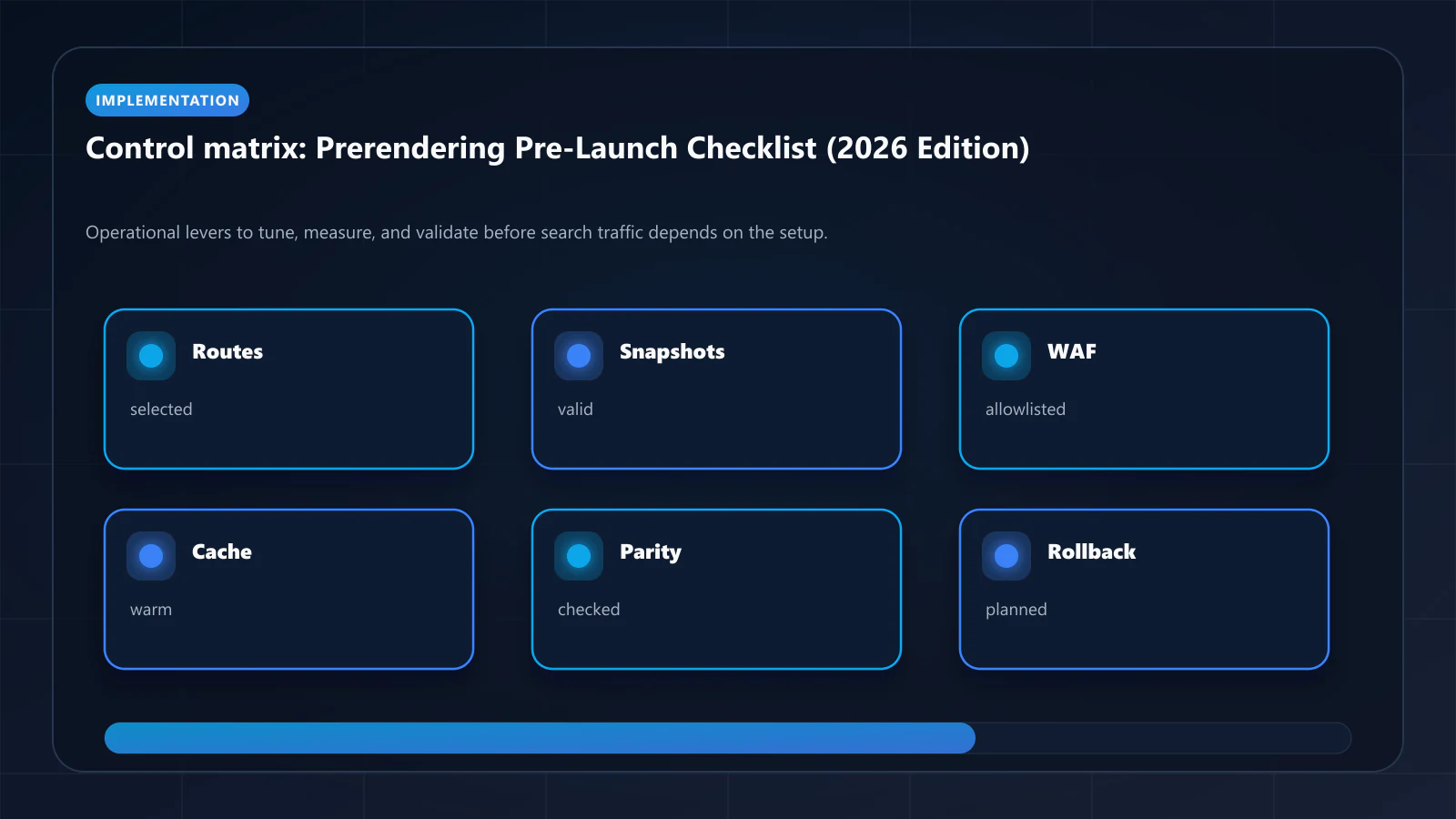
Run the full checklist for the initial launch. After subsequent deployments, run a focused subset: Section 1 (routing), Section 2 (DOM output for changed pages), and Section 5 (WAF — if WAF rules were modified). The prerendering success metrics guide covers the ongoing monitoring dashboard that catches regressions automatically. !Raster matrix diagram of operational levers, risks, and validation checks for Prerendering Pre-Launch Checklist: Everything to Validate Before Going Live.
Explore the canonical guides
Editorial trust
Written by prerender Editorial · Engineering Team. We build and run pre-rendering infrastructure for more than 200 engineering teams, which is where the numbers and code samples on this page come from.
Last updated . Editorial scope and review policy: About prerender.info.