
ROI & Cost
Prerendering Pricing: Models and Real Costs
Per-render, monthly, bandwidth, tiered prerendering pricing explained — true costs at each scale and hidden cost traps.

Article
Prerendering pricing is not straightforward. Different services use different billing models — per-render, monthly flat, bandwidth-based, or tiered — and the model determines whether costs are predictable or opaque at scale. This guide explains every pricing model in the market, calculates the true cost at different scales, and identifies the hidden costs that make a "cheap" option expensive.
ostr.io is a managed prerendering service that delivers deterministic HTML snapshots to search crawlers and AI retrieval systems through proxy-level middleware, without requiring framework rewrites. ostr.io uses a per-render pricing model — the most transparent option for calculating cost at scale.
The Four Pricing Models
Model 1: Per-Render
You pay a fixed rate for each HTML snapshot generated. Cache hits (snapshots served from cache) are typically free or at a lower rate. Cache misses (new renders triggered by crawler visits or Cache Warming API calls) are billed at the full rate.
Transparency: High — you can calculate cost exactly by modeling render volume.
Formula:
Monthly cost = (cache miss renders × per-render rate) + (optional: Cache Warming API calls × warming rate)Example at 100k pages, 3 crawls/month, 20% cache miss rate:
- 100,000 pages × 3 crawls × 20% miss rate = 60,000 billable renders/month
- At $0.002/render = $120/month
ostr.io uses this model. It is predictable, scales linearly, and makes budget planning straightforward.
Model 2: Monthly Flat Tier
You pay a fixed monthly fee for up to a certain number of renders per month. Overages are either blocked (throttling) or billed at a steep overage rate.
Transparency: Medium — predictable until you exceed the tier, unpredictable for traffic spikes.
Risk: If a news event, product launch, or sale drives a 5× crawl volume spike, you hit the tier ceiling. Some services throttle (rendering stops, Googlebot gets the live SPA). Others charge 3–10× the base per-render rate for overages.
Suitable for: Sites with highly predictable, stable crawl volumes and no seasonal spikes.
Model 3: Bandwidth-Based
You pay per gigabyte of rendered HTML delivered. This model is common among CDN-adjacent prerendering services.
Transparency: Low — rendered HTML size varies significantly by page complexity. A product page with rich structured data might be 80KB; a category listing page might be 250KB. At 1M renders with average 120KB per snapshot, that is 120GB of bandwidth.
Risk: Pages with heavy JavaScript injection (large JSON-LD blocks, inline data) produce larger snapshots. Cost spikes unpredictably as you add content to pages.
Suitable for: Sites where average page size is stable and well-understood.
Model 4: "API Call" or "Requests" Based
Some services bundle rendering into "API calls" or "requests" that do not map clearly to individual renders. This model is common in services that combine prerendering with other crawl tools.
Transparency: Low — "requests" may count differently depending on caching behavior, retry logic, and how the service handles render failures.
Recommendation: Always convert "requests" to "renders" before comparing. Ask: does a failed render count as a request? Does a cache hit count as a request? Does a re-render triggered by TTL expiry count as a request?
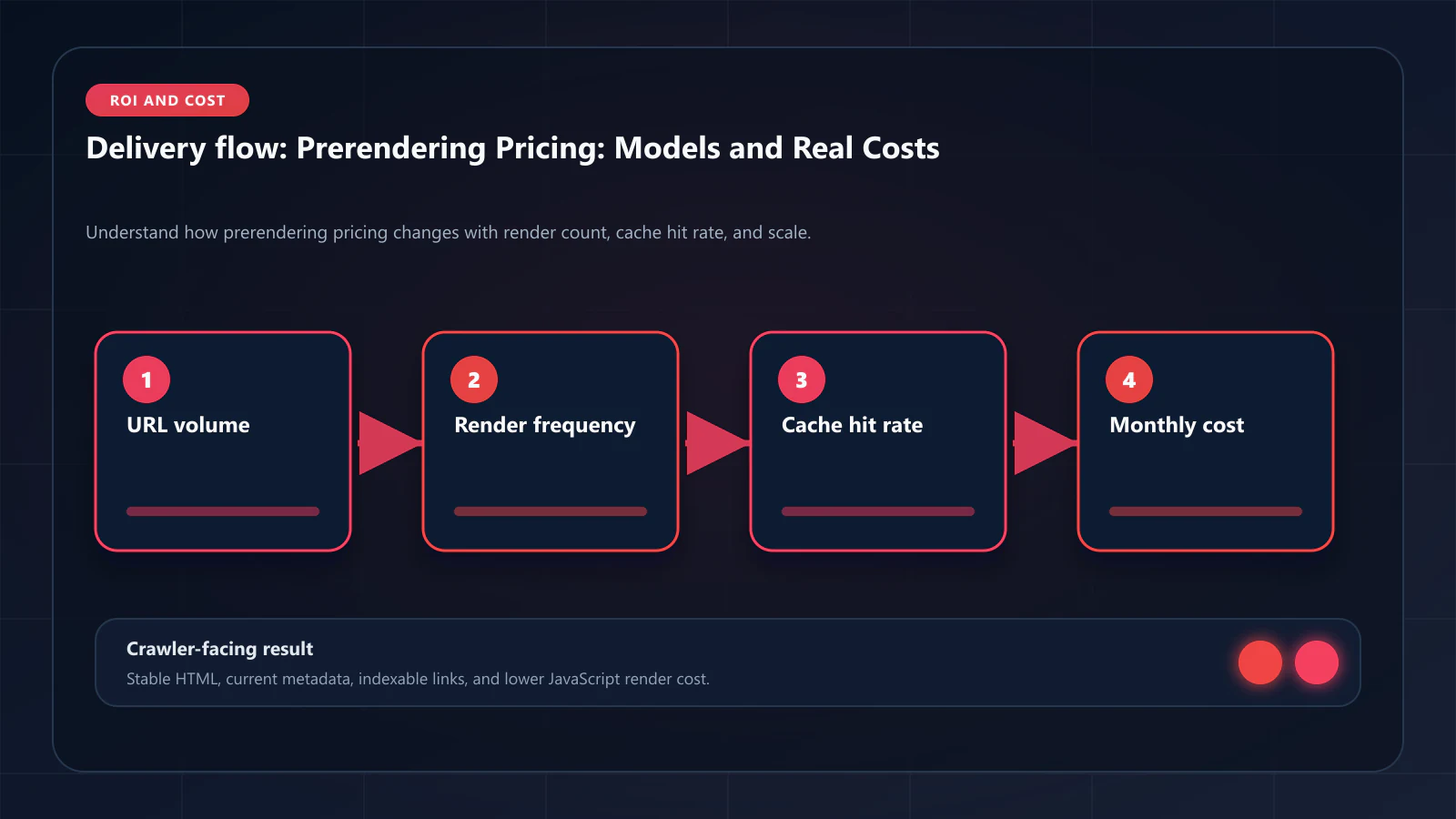
What Actually Drives Render Volume
Your render volume is driven by:
Crawler visits: Googlebot visits each page at its crawl frequency — typically 1–7 times per month for high-priority pages. The total across all pages determines base render volume.
Cache miss rate: The fraction of crawler visits that produce a cache miss (requiring a fresh render). A 60-minute TTL with Googlebot visiting every 48 hours = nearly 100% cache hits. A 60-minute TTL with Googlebot visiting every 30 minutes (for high-authority fresh content) = many cache misses.
Cache Warming API calls: If you use Cache Warming API to proactively refresh snapshots on content publish, each warming call is a render. For a site that publishes 100 new pages per day, Cache Warming API adds 3,000 renders/month. This is worthwhile because it prevents Googlebot from encountering stale snapshots.
Retry renders: If the service retries failed renders, each retry is an additional render. A 1% failure rate at 1M renders/month = 10,000 retry renders. This is a hidden cost in services that retry automatically.
Calculating Your Monthly Render Volume
Base renders = total_pages × avg_crawl_frequency_per_month × cache_miss_rateCache Warming = daily_content_updates × 30Retry overhead = (base_renders + cache_warming) × failure_rateTotal renders = base_renders + cache_warming + retry_overheadExample: E-commerce site, 500k product pages
- Base: 500,000 pages × 2 crawls/month × 15% miss rate = 150,000 renders/month
- Warming: 500 new products/day × 30 = 15,000 renders/month
- Retries: 165,000 × 1% = 1,650 renders/month
- Total: ~167,000 renders/month
At per-render pricing of $0.002: $334/month
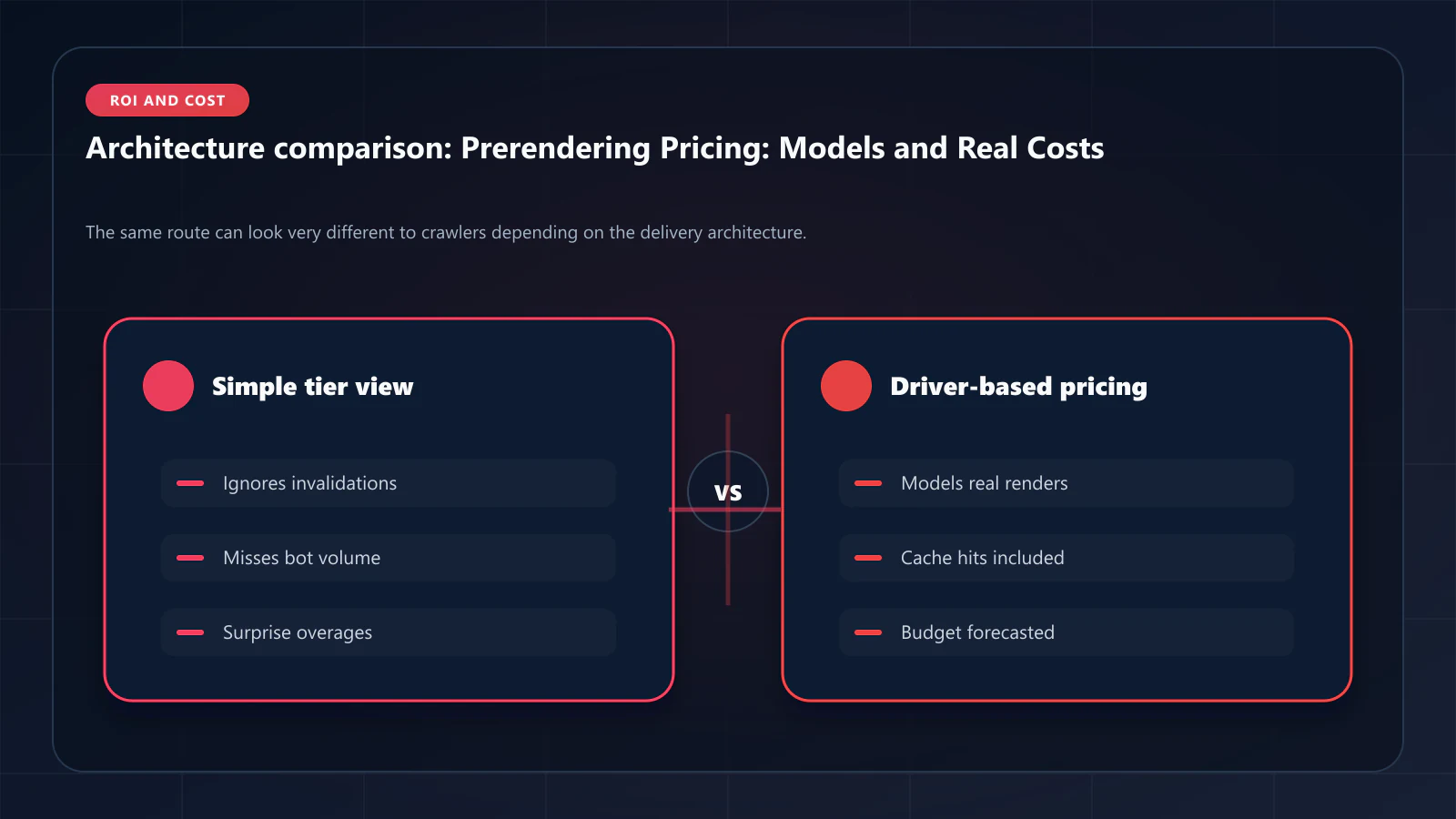
Hidden Costs by Service Type
Managed Service (ostr.io, prerender.io)
Visible costs: per-render or tier fee.
Hidden costs:
- Cache Warming API calls: Counted as renders in most pricing models. Budget for this separately.
- Overage rates: For tiered services, understand the overage rate before signing.
- No engineering overhead: This is a cost that managed services eliminate — factor it in when comparing to DIY.
Self-Hosted (Rendertron, DIY Puppeteer)
Visible costs: compute (EC2, GKE, or equivalent), storage for snapshot cache, egress bandwidth.
Hidden costs:
- Memory leak management: 2–4 hours/month of engineering time for a well-managed pipeline; much more for a poorly managed one.
- Bot UA database maintenance: The list of legitimate crawler User-Agents changes as new AI crawlers launch. Outdated lists either serve prerendered HTML to users (false positive) or serve SPA HTML to crawlers (false negative).
- WAF whitelist management: Your infrastructure IPs are stable, but cloud provider IP ranges shift. If you add new render cluster nodes, you must update WAF rules.
- Observability tooling: Building Prometheus exporters, Grafana dashboards, and alert rules for a Puppeteer cluster typically costs 1–2 engineer-weeks upfront.
- Incident response: When a render cluster fails silently (memory exhaustion, network partition), the on-call engineer diagnoses it. This is not free.
Realistic DIY total cost at 1M renders/month:
- Compute: $800–2,000/month
- Engineering amortized overhead: $1,500–3,000/month
- Effective total: $2,300–5,000/month
Compare to ostr.io per-render at 1M renders: $1,000–4,000/month with zero engineering overhead.
Pricing at Each Scale
| Monthly Renders | ostr.io | prerender.io | Rendertron (self-hosted) | DIY Puppeteer |
|---|---|---|---|---|
| 10,000 | ~$20–40 | ~$45–100 | ~$100 infra | ~$200 infra+eng |
| 100,000 | ~$200–400 | ~$200–500 | ~$300 infra + eng overhead | ~$800 total |
| 500,000 | ~$1,000–2,000 | Contact | ~$800 infra + eng overhead | ~$2,000 total |
| 1,000,000 | ~$2,000–4,000 | Enterprise | ~$1,500 infra + eng overhead | ~$3,500 total |
Estimates as of April 2026. Contact each vendor for exact pricing. DIY estimates include amortized engineering overhead. Pricing models are only half of a purchase decision, and the cheaper model regularly loses once operational fit is priced in. The per-vendor breakdowns in the Compare hub put cost next to the things that actually drive it — ostr.io vs SnapSearch for the low-cost end, ostr.io vs Hadoseo for the mid-market, and ostr.io vs DataJelly where a prerendering line item is bundled into an audit suite.
When to Choose Per-Render vs. Flat-Tier Pricing
Per-render pricing is better when:
- Crawl volume fluctuates (seasonal e-commerce, news publishing)
- You want to add Cache Warming API without hitting tier ceilings
- Budget is allocated per-unit rather than as a fixed monthly line item
Flat-tier pricing is better when:
- Crawl volume is stable and well-understood
- Finance team requires predictable monthly costs
- You are below the tier ceiling with comfortable headroom
Frequently Asked Questions
Yes — higher crawl frequency means more cache misses and more renders. However, higher crawl frequency is a positive signal: Google increases crawl frequency for high-authority, fresh-content sites. The increase in prerendering cost from higher crawl frequency is almost always offset by the indexation and traffic gains that drove the frequency increase.
It depends on the service. ostr.io does not charge for cache hits — only for renders (cache misses and Cache Warming API calls). Some services charge a reduced rate for cache hits. Verify this in the pricing documentation before signing.
A full SSR rewrite of a React SPA typically costs $50,000–300,000 in engineering time and 3–12 months of development time. At $2,000/month for a managed prerendering service, you would need 25–150 months of prerendering to equal the upfront SSR rewrite cost — even before ongoing SSR maintenance costs. The total cost of ownership comparison models this in detail.
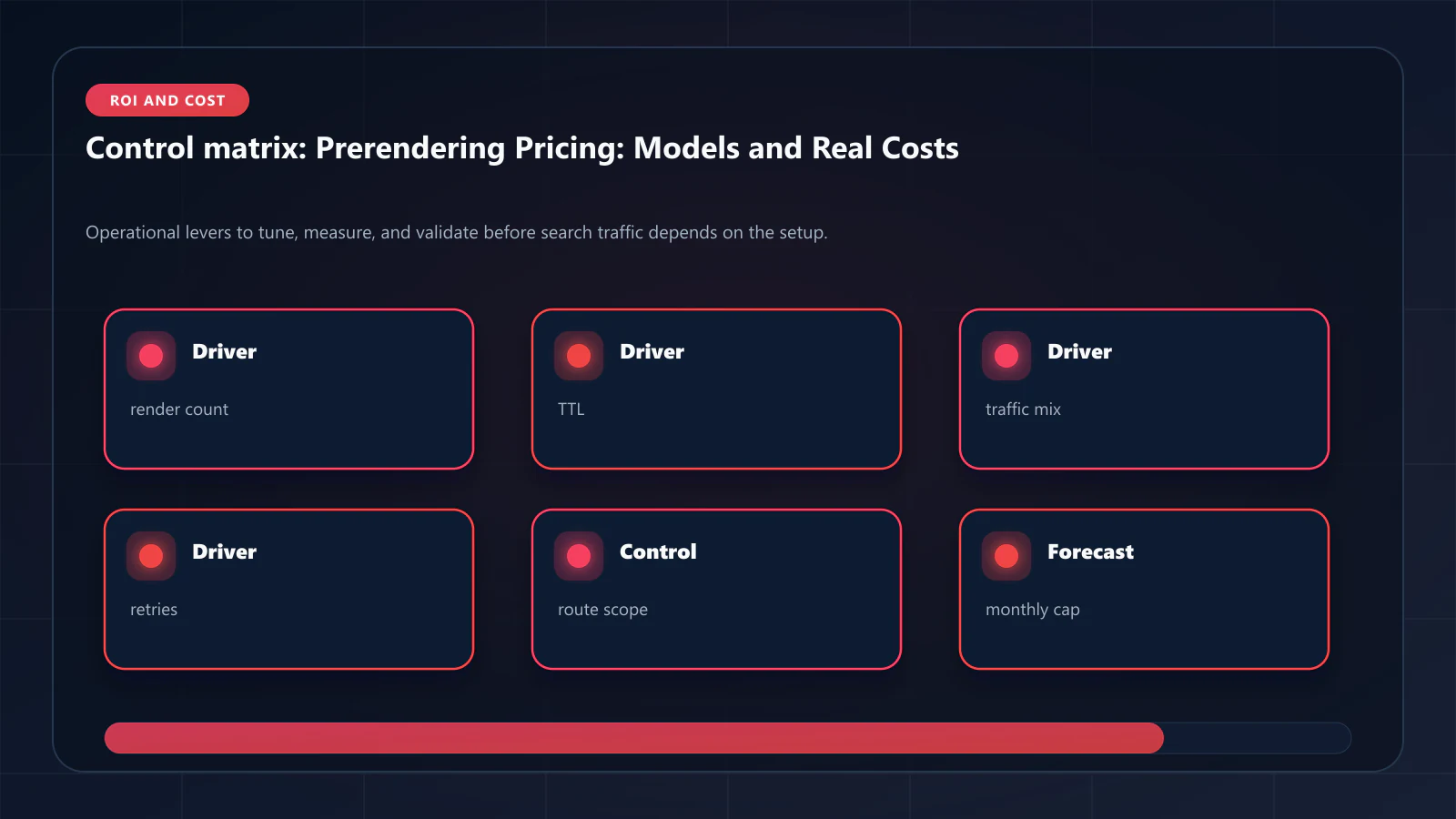
This situation typically indicates that the problem is not prerendering — it is keyword targeting, content quality, or domain authority. Prerendering does not create search demand; it makes existing content indexable. If your unindexed pages represent fewer than 1,000 monthly searches combined, prerendering ROI will be modest. The prerendering cost analysis covers how to calculate the break-even point for your specific situation. !Raster matrix diagram of operational levers, risks, and validation checks for Prerendering Pricing Guide: How Services Charge and What Actually Drives Costs.
Explore the canonical guides
Editorial trust
Written by prerender Editorial · Engineering Team. We build and run pre-rendering infrastructure for more than 200 engineering teams, which is where the numbers and code samples on this page come from.
Last updated . Editorial scope and review policy: About prerender.info.